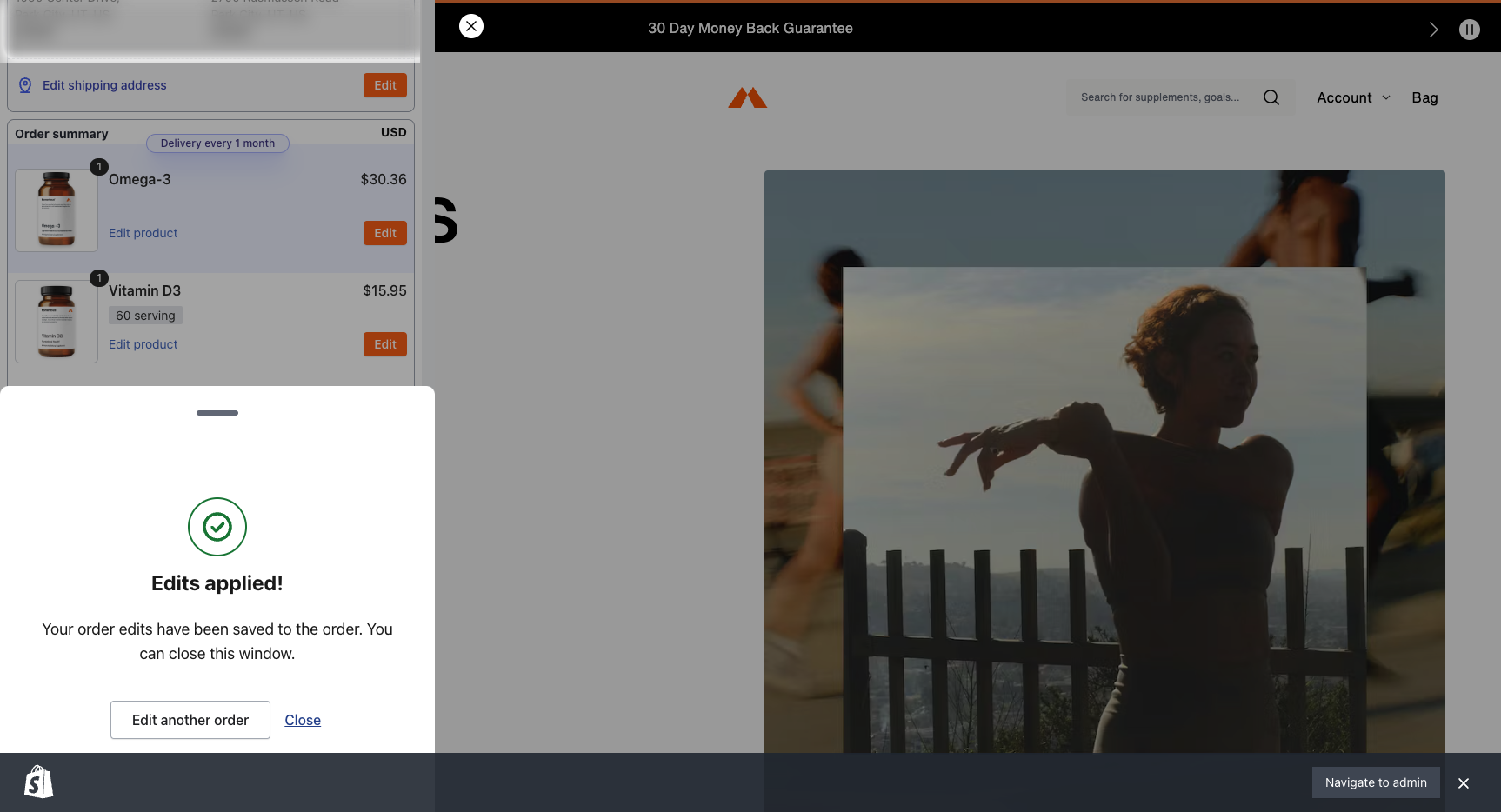
Just moved and forgot to update your address? We’ve all been there! You have 60 minutes from the time you place an order to make any changes. Simply follow the directions below or click here to get started!
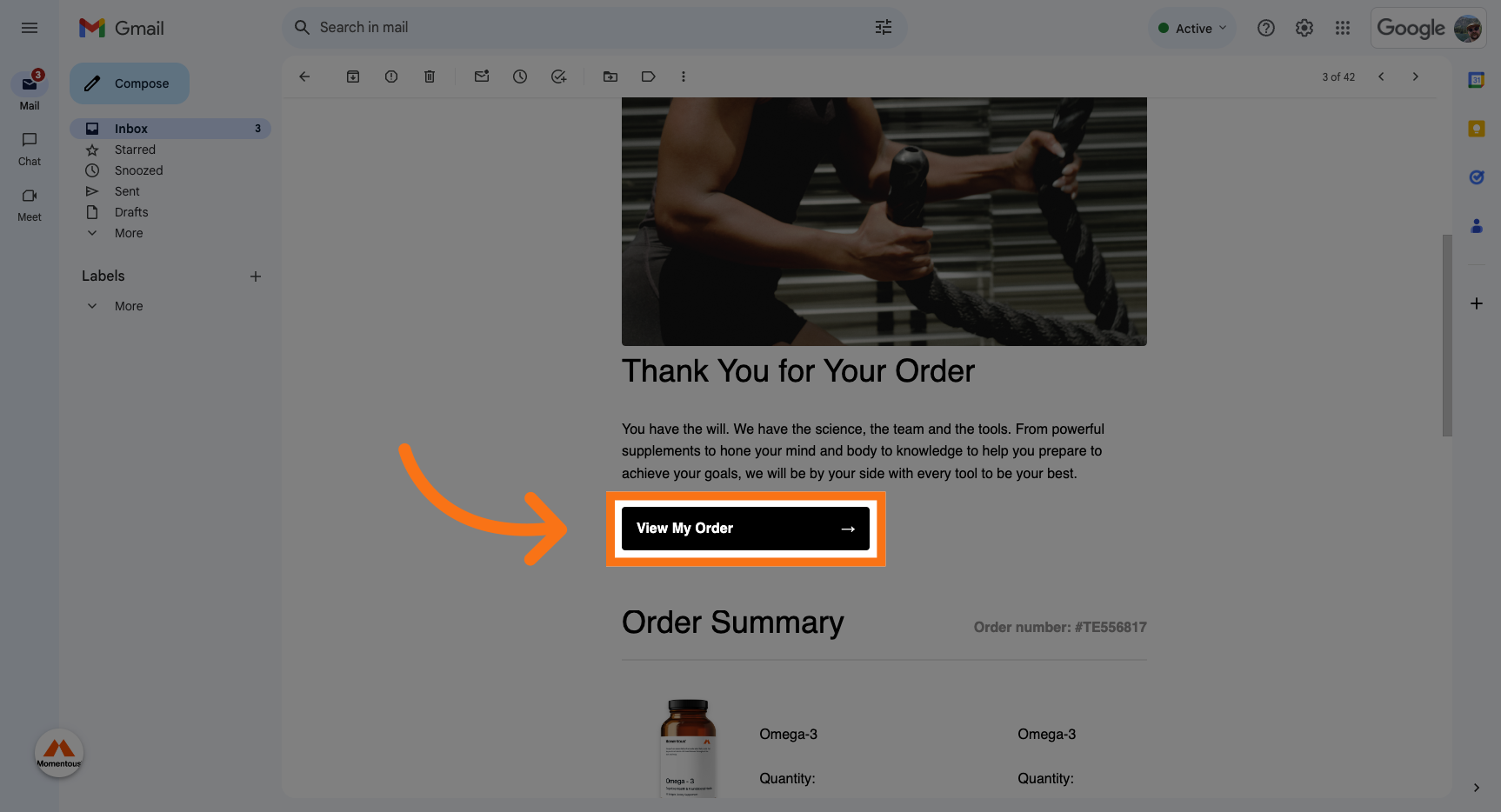
1. Click "View My Order" on your order confirmation email.
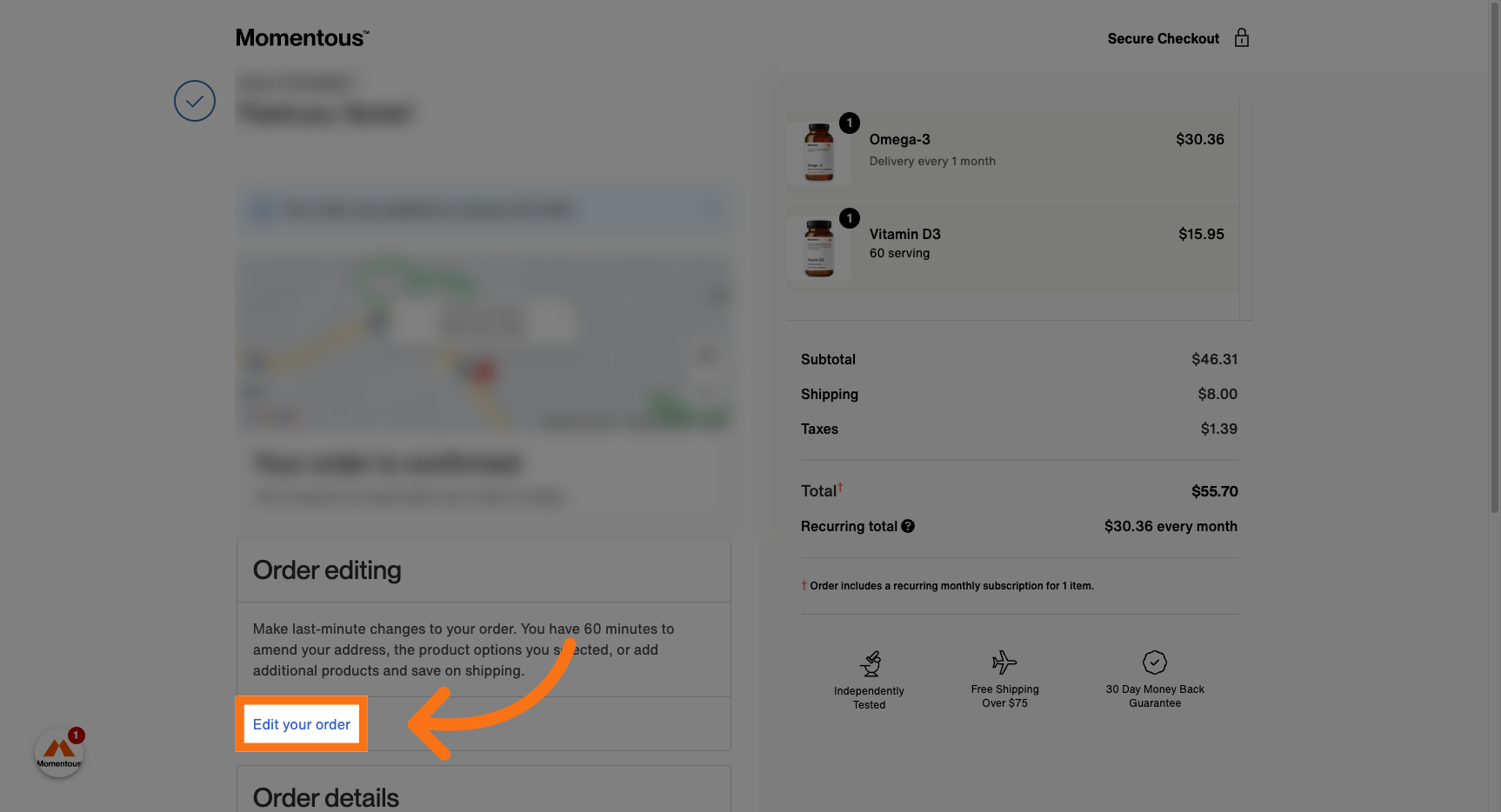
2. Click "Edit your order"
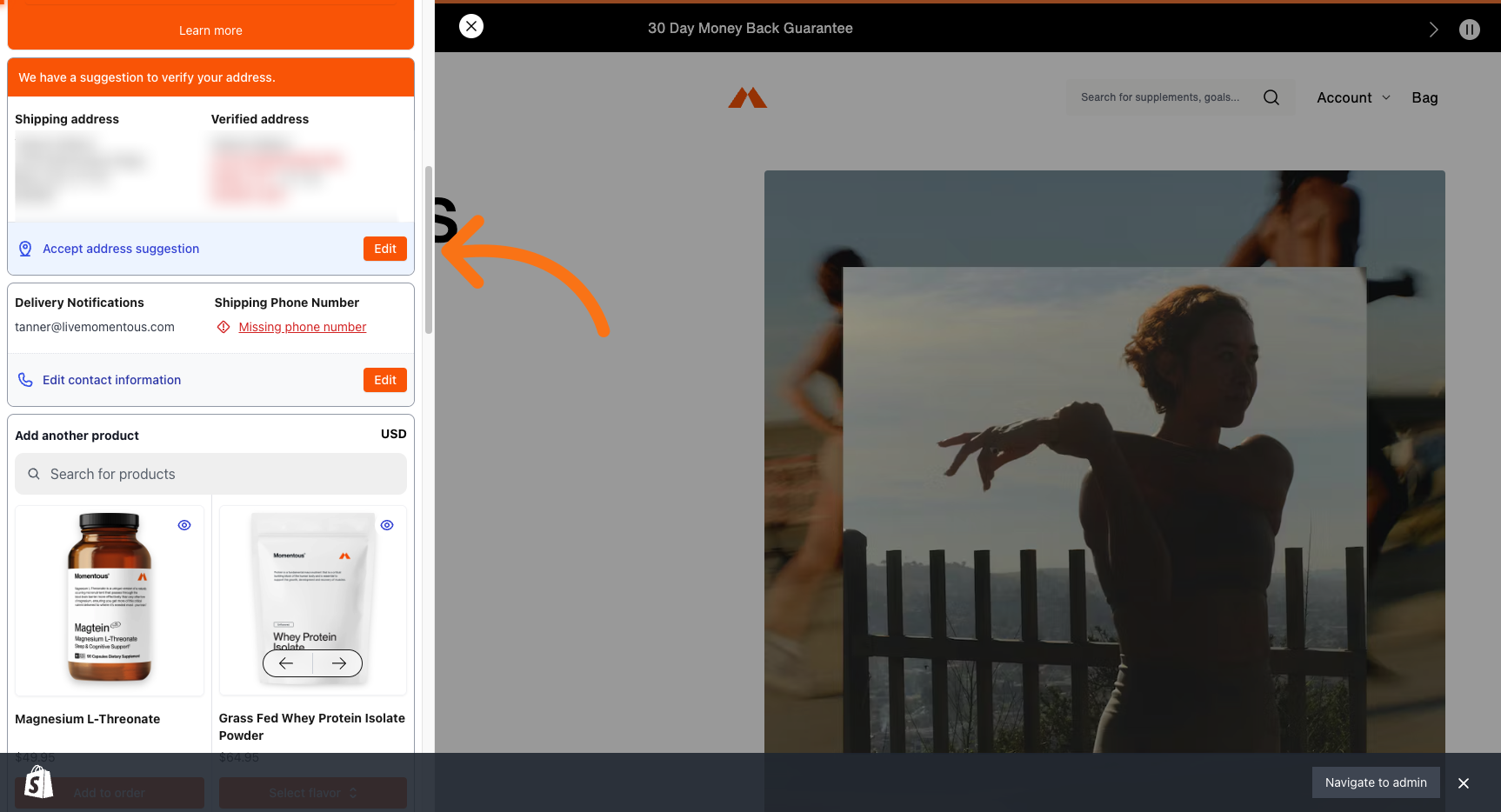
3. Scroll to your address and click the "Edit" button.
4. Click "Change"
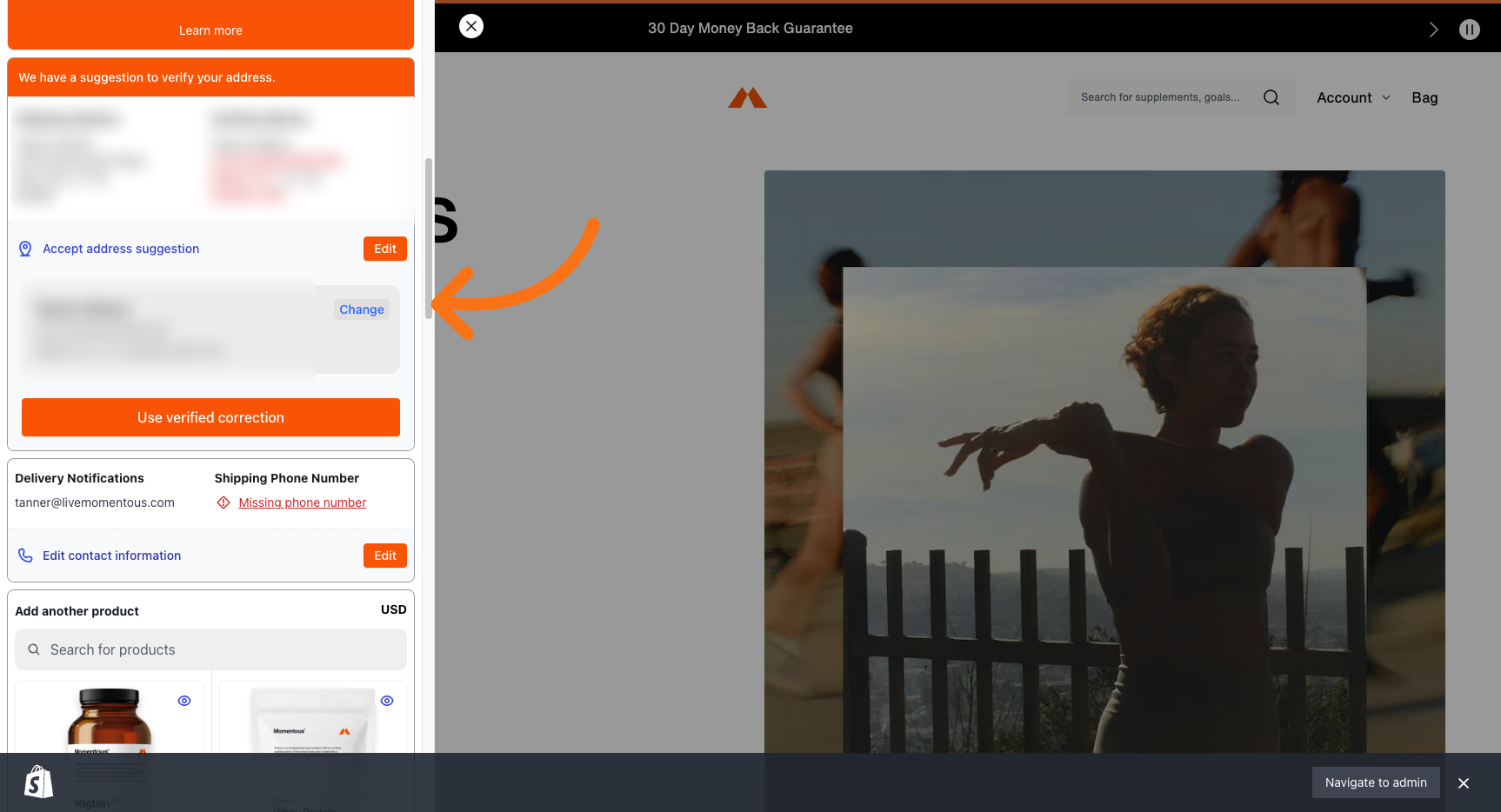
5. Enter your desired shipping information.
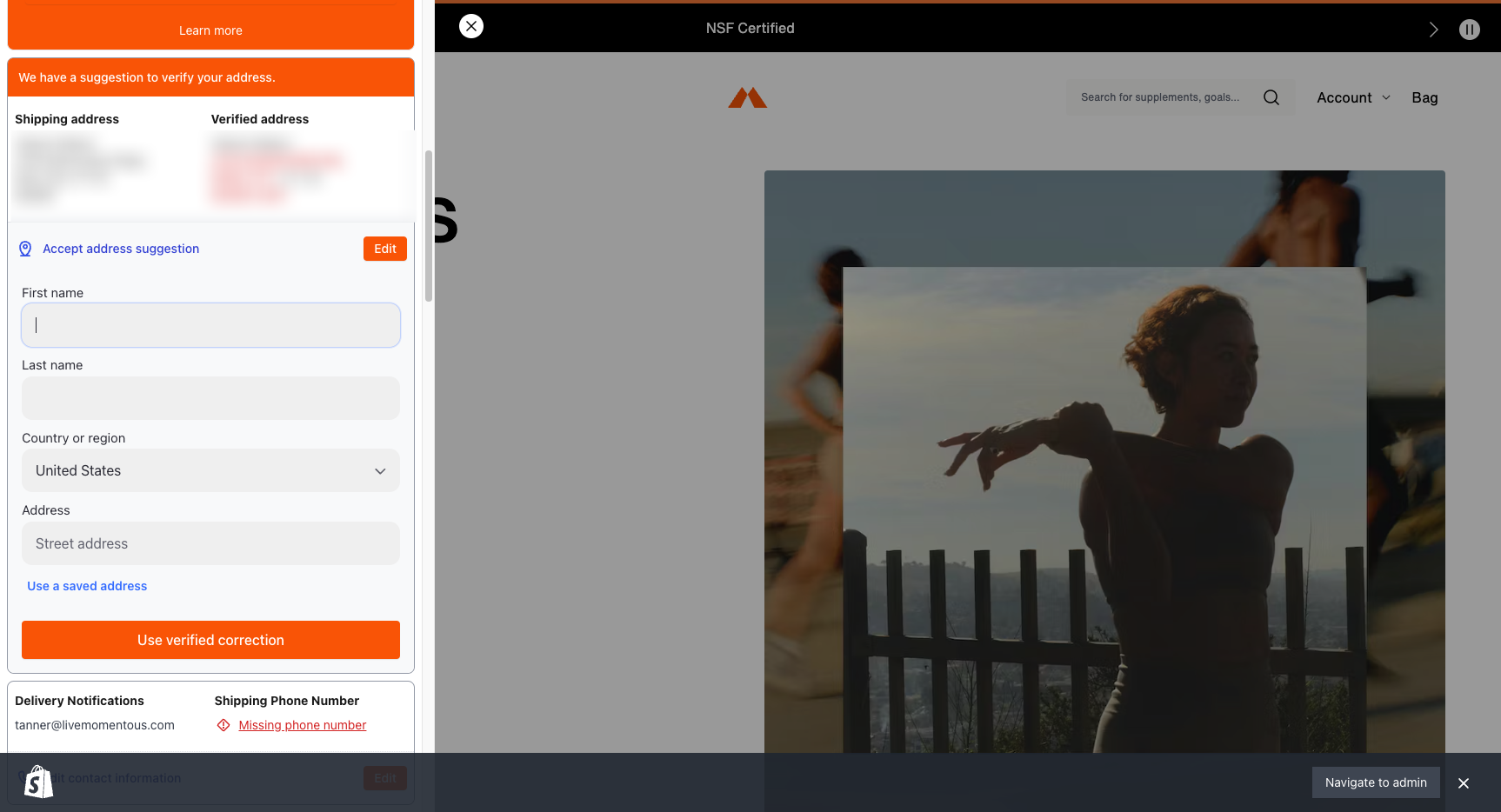
6. Click "Use verified correction"
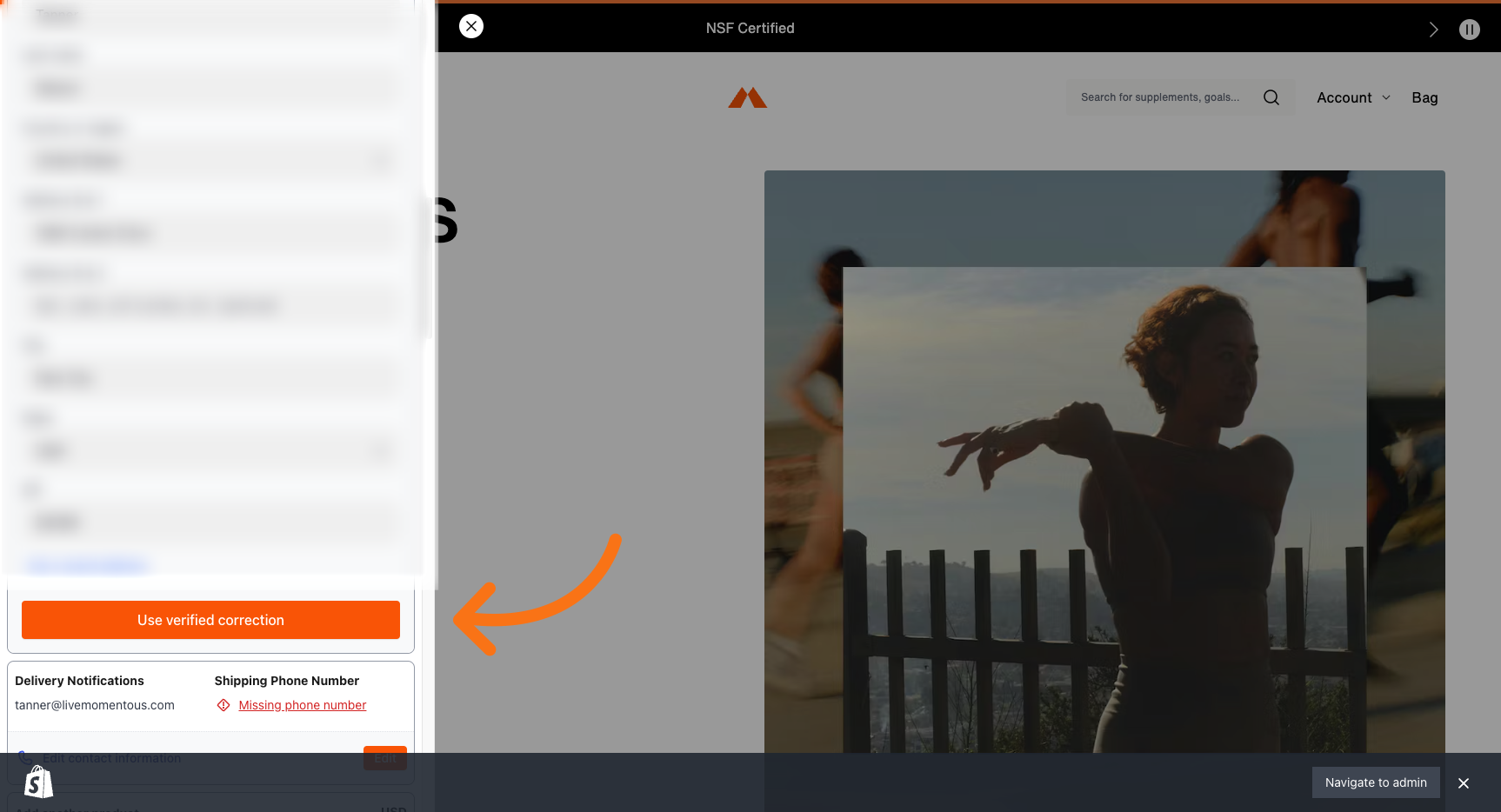
7. Scroll down & Click "Save"
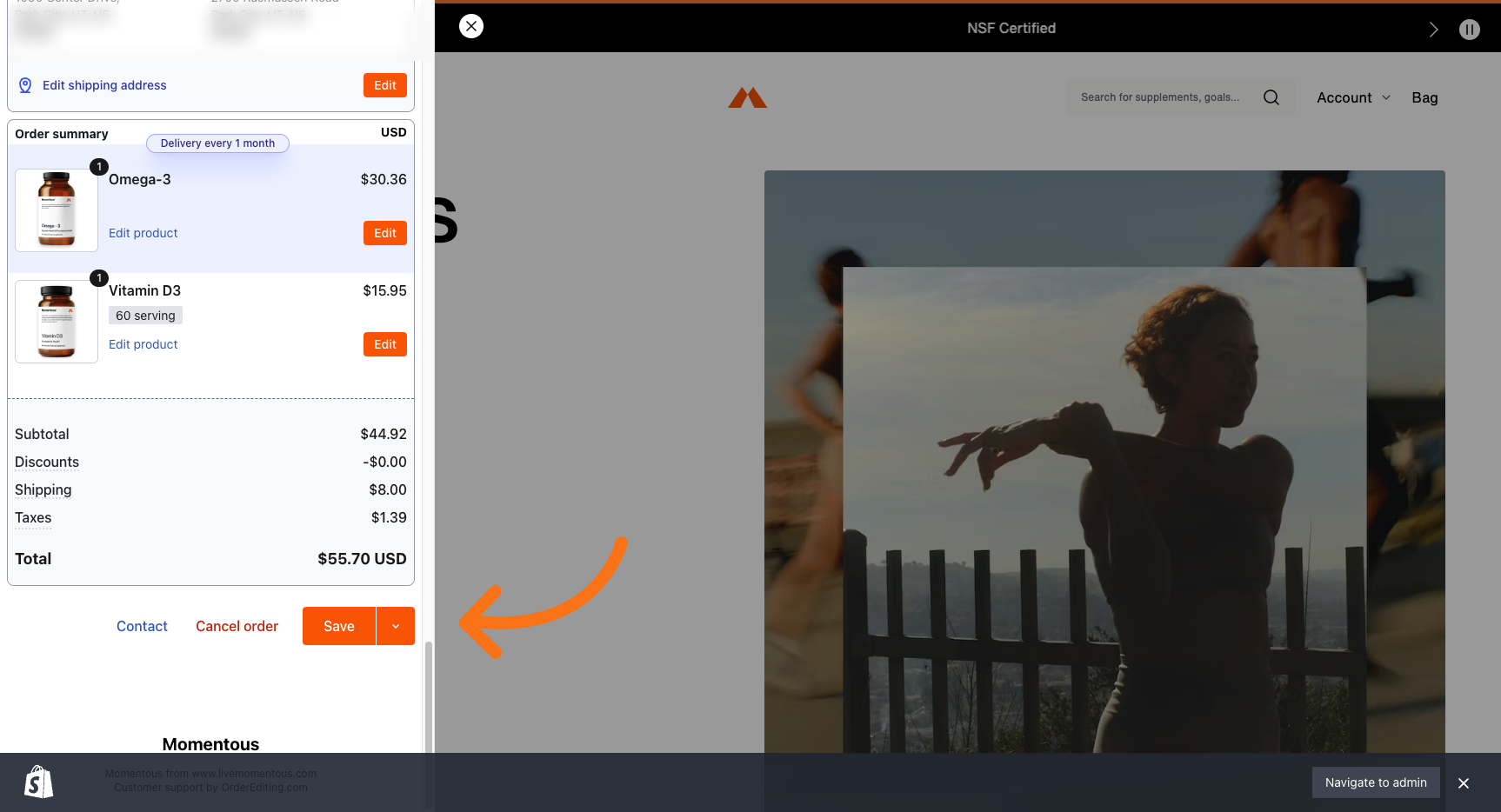
8. Success!