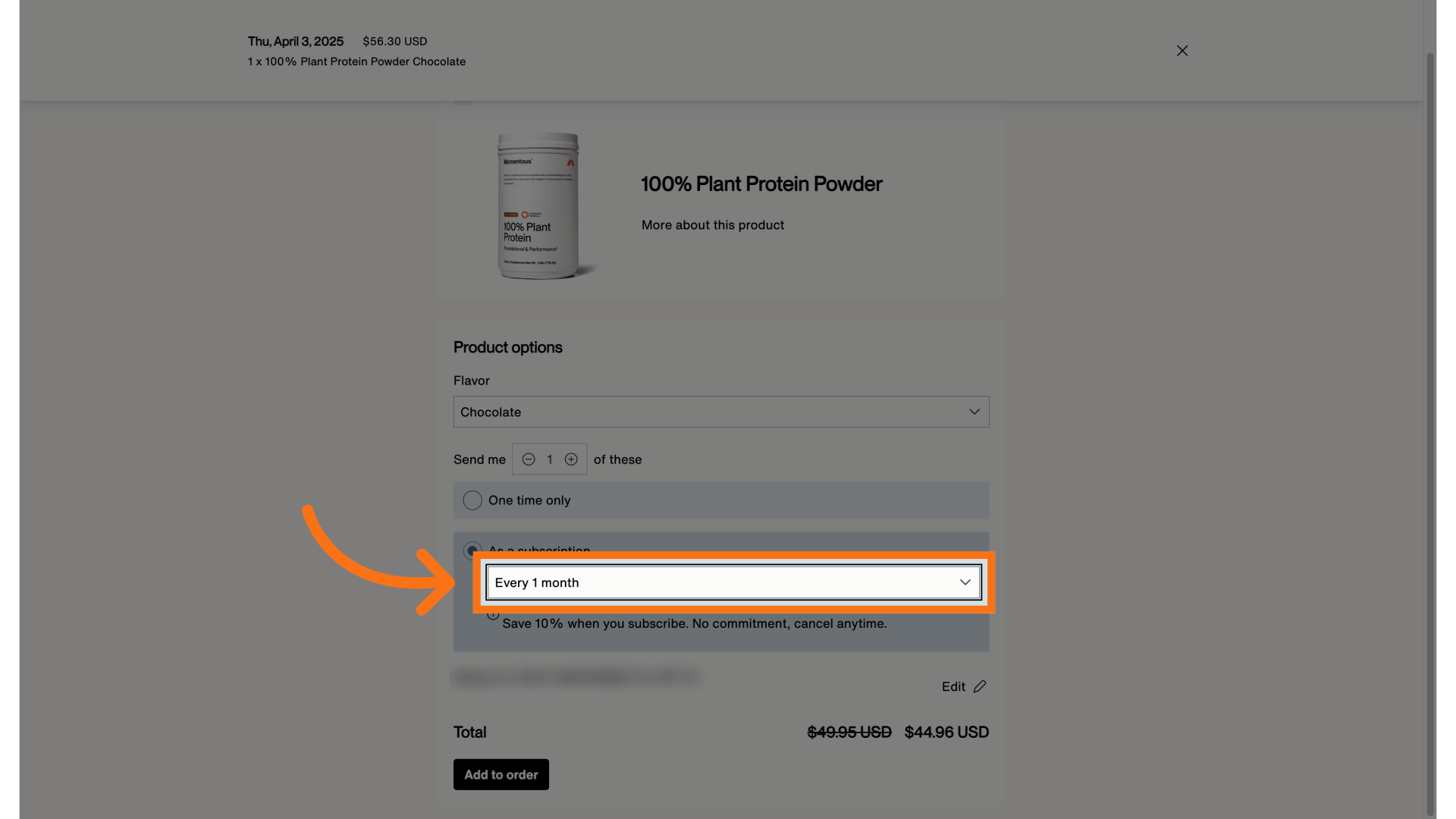
If you are already a Momentous subscriber, you can easily add a new product to your existing subscription.
Mobile
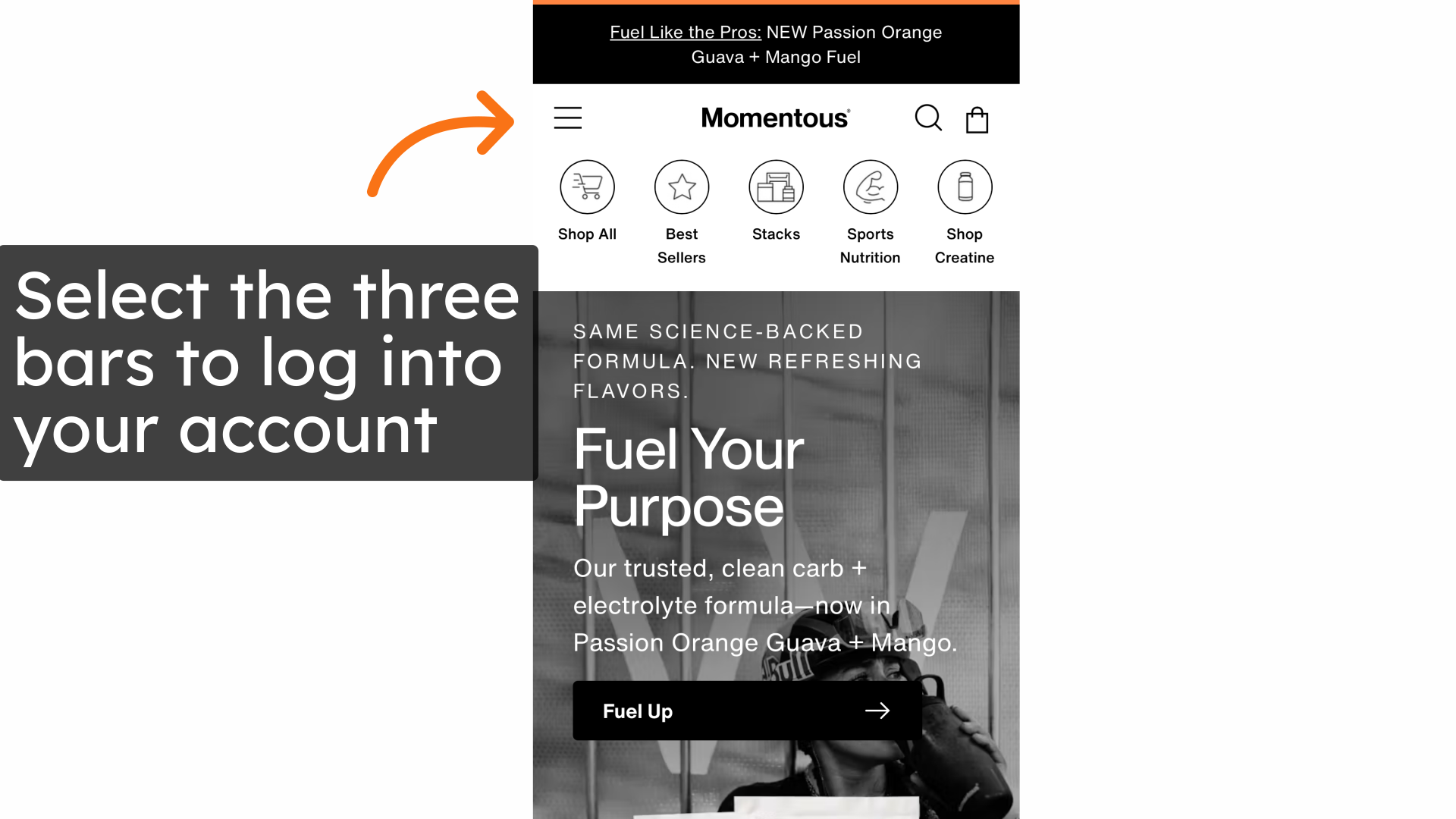
1. Select the three bars and log into your account
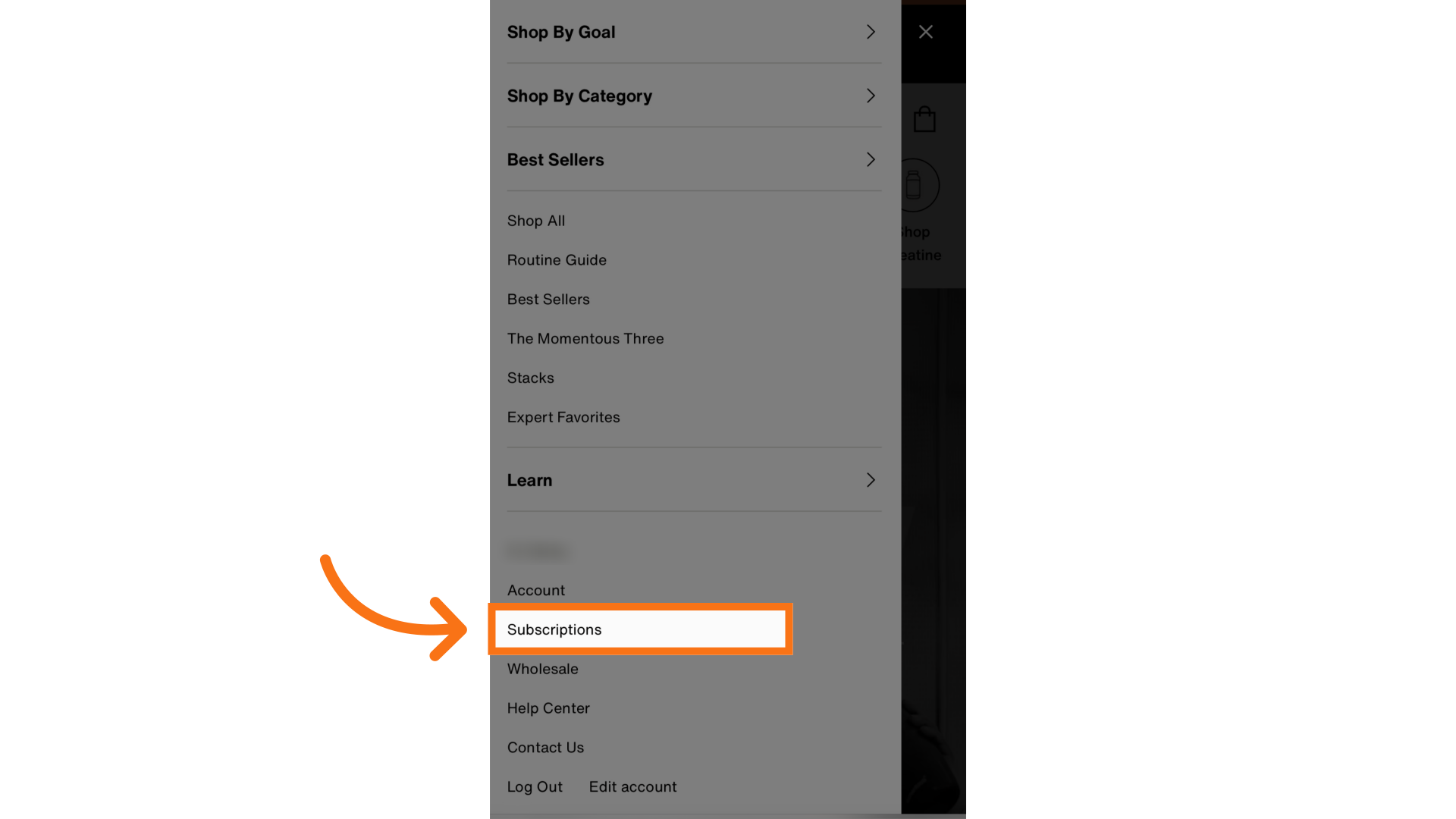
2. Select "Subscriptions"
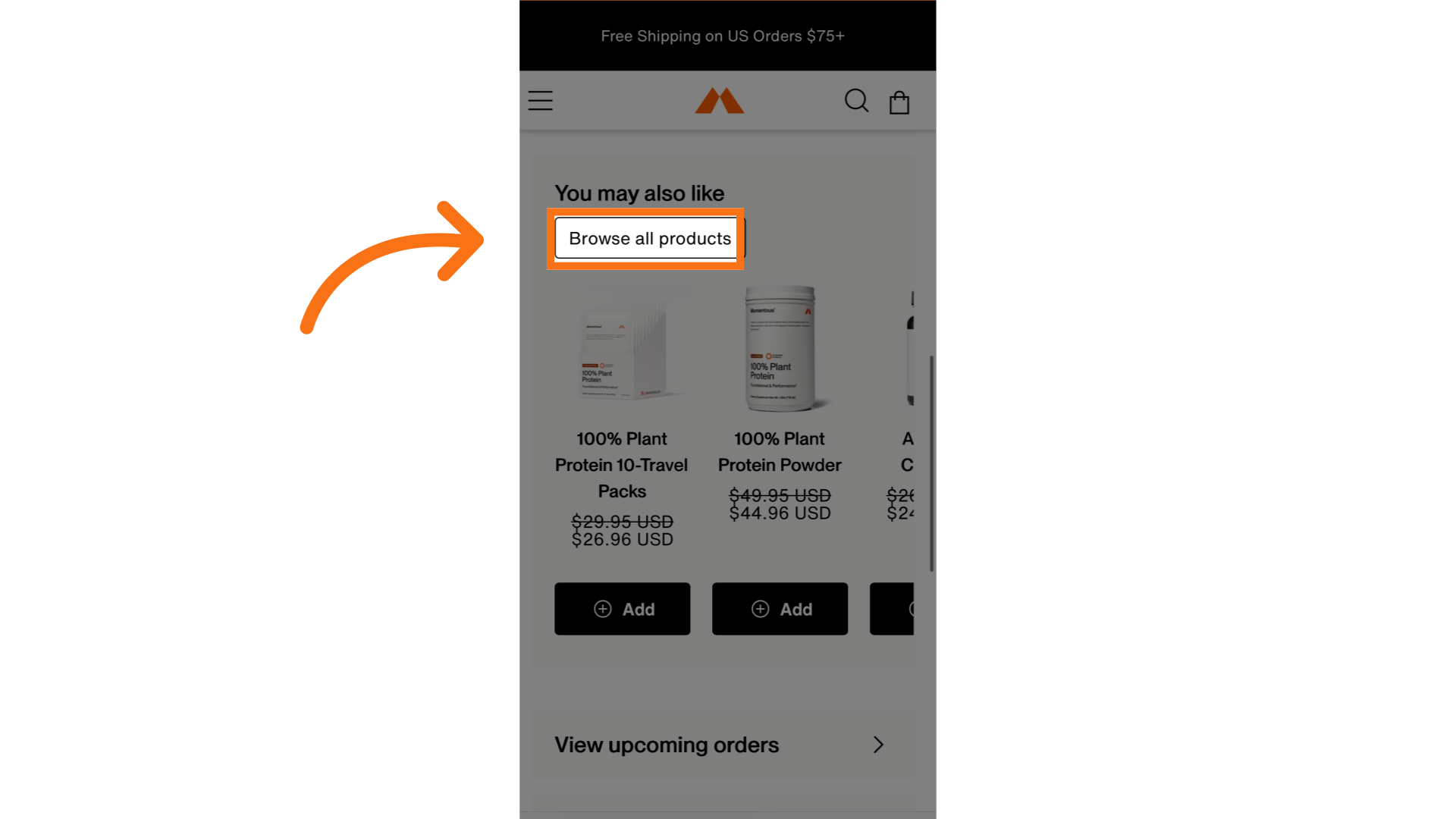
3. Select "Browse all products"
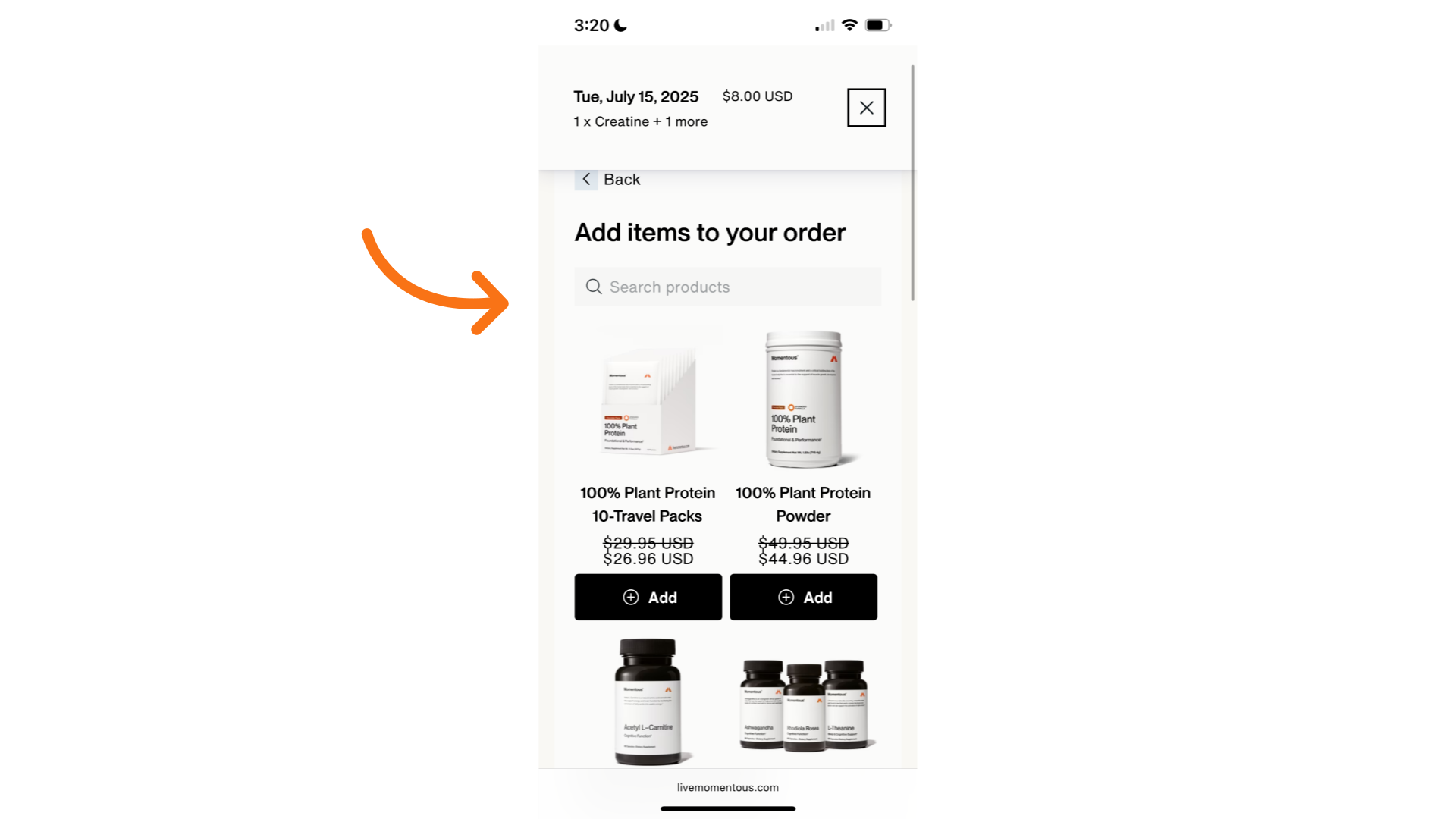
4. Type or Scroll to find the correct product
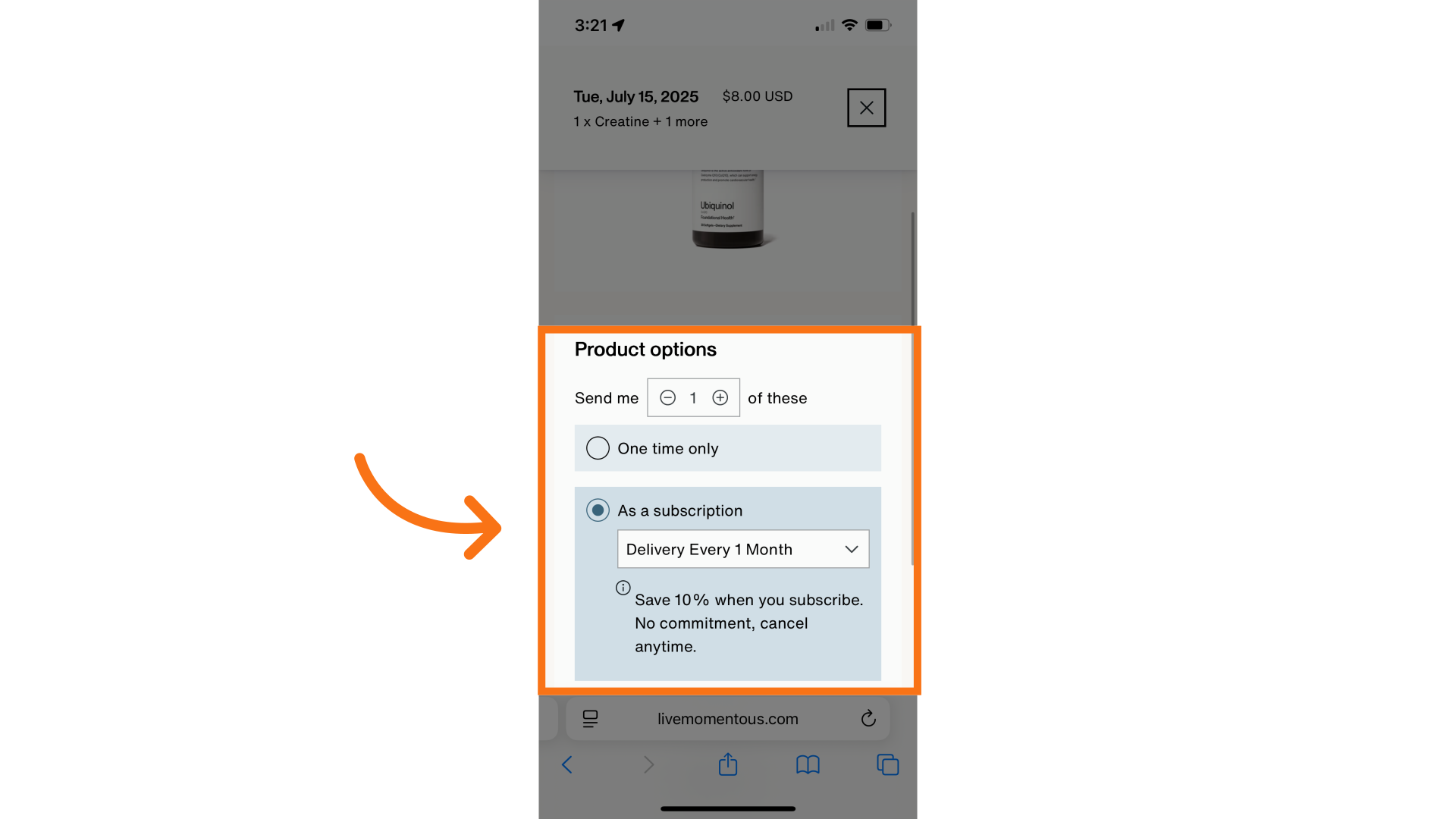
5. Set up the frequency and quantity here
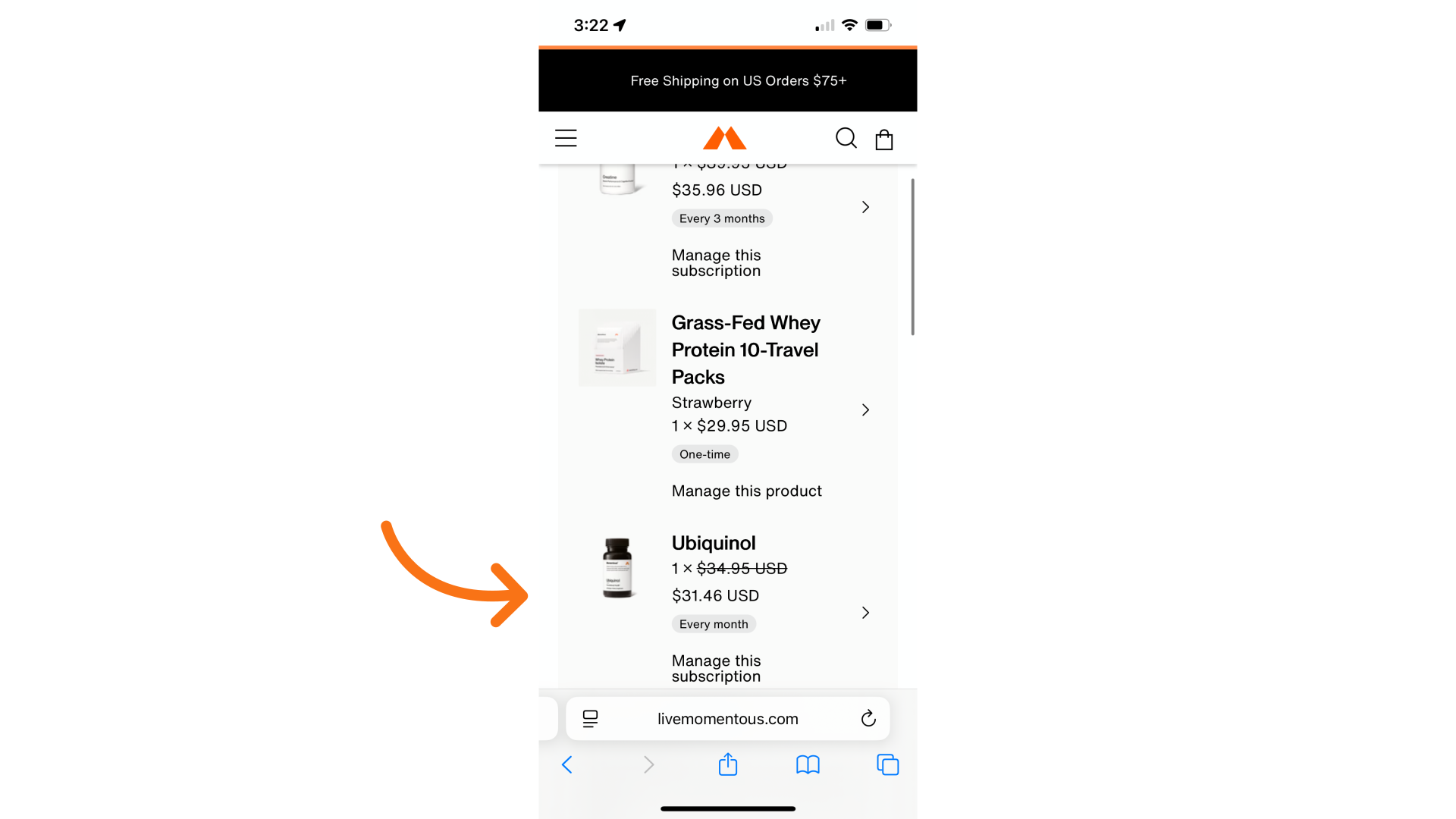
6. You can see your new product with your other products here
Desktop
1. First, login to your existing subscription account.
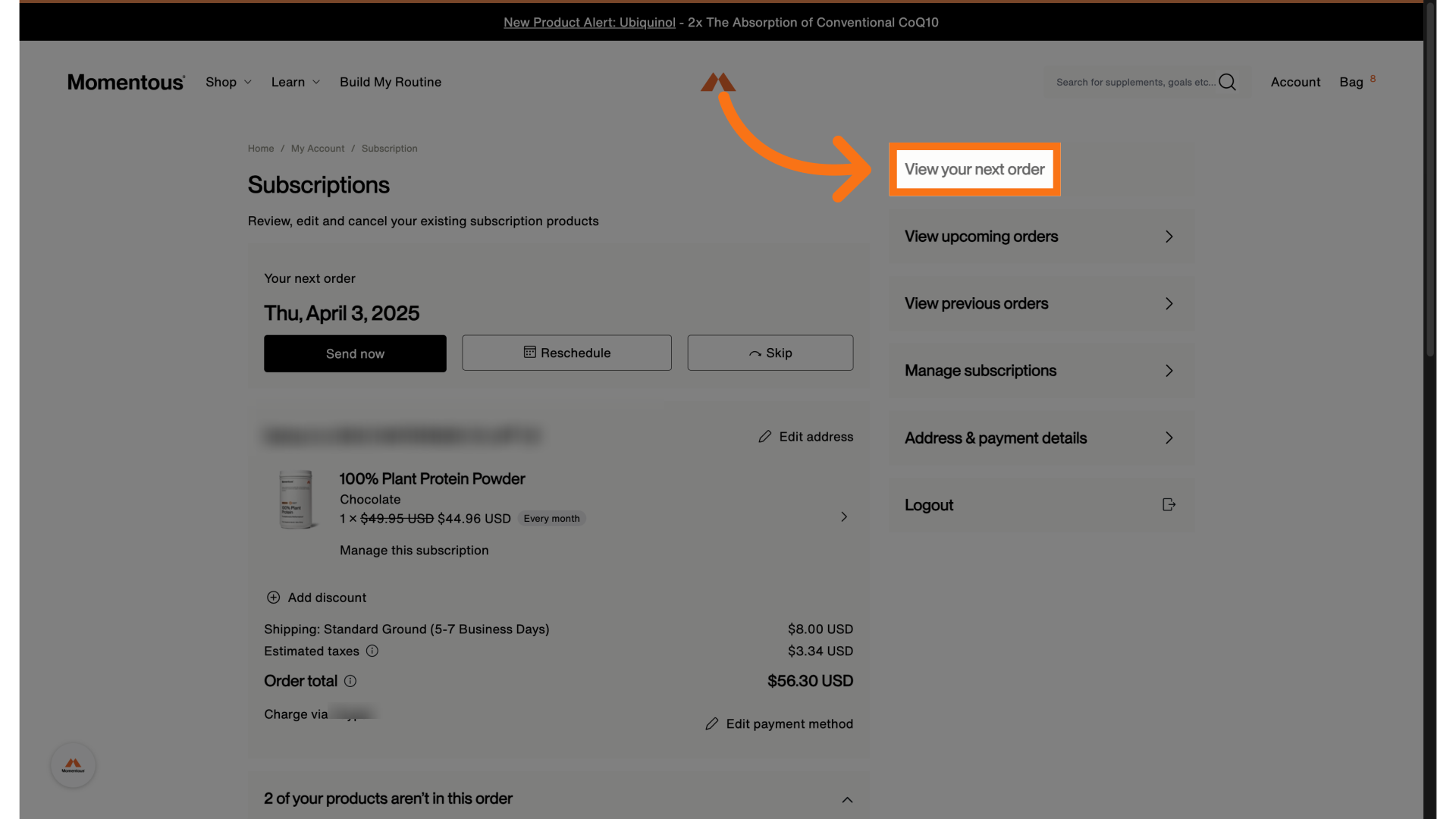
2. Next, select 'View your next order' from the menu on the right.
3. Scroll down to the product carousel
If you see the product(s) you'd like to add, click on "Add". Otherwise, you can select 'Browse all products' to look for other items.
4. Select the product that you want to add to your upcoming subscription order
From here, you can select your preferred flavor option if applicable.
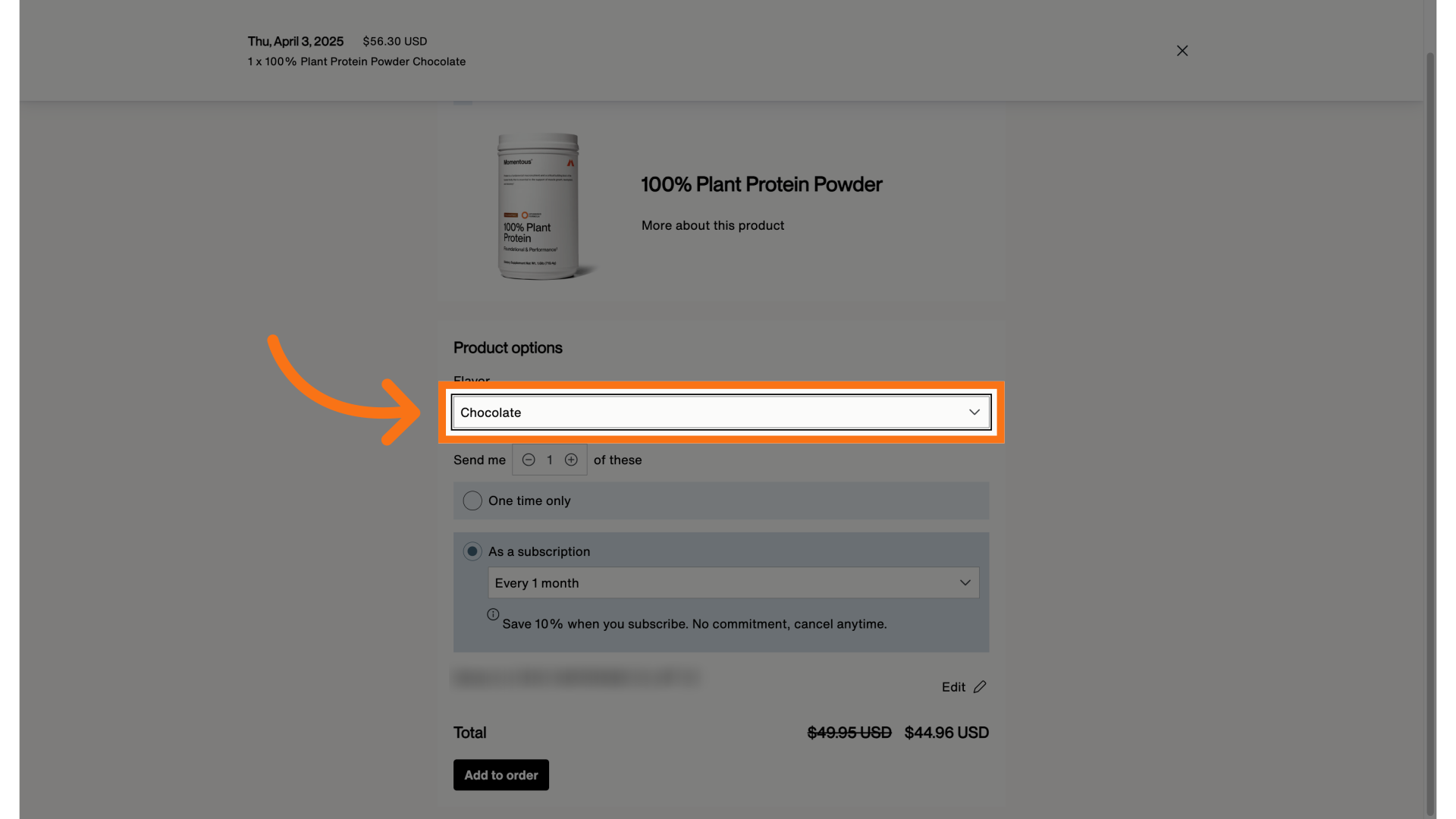
5. Next, choose the shipment frequency for this new product.