On occasion if you go through checkout more than once multiple subscriptions can be created.
If your products are scheduled to ship on the same date and going to the same address, they should ship together.
If they don’t, the most common reason is that there are multiple subscriptions attached to your account. You can fix this by merging your subscriptions together so your products can ship together.
This usually occurs when separate orders are placed instead of adding products to an existing subscription. Each order creates its own subscription, which can cause items to ship separately—even if the ship dates match.
Here is how to merge your subscriptions together so they ship together.
Mobile
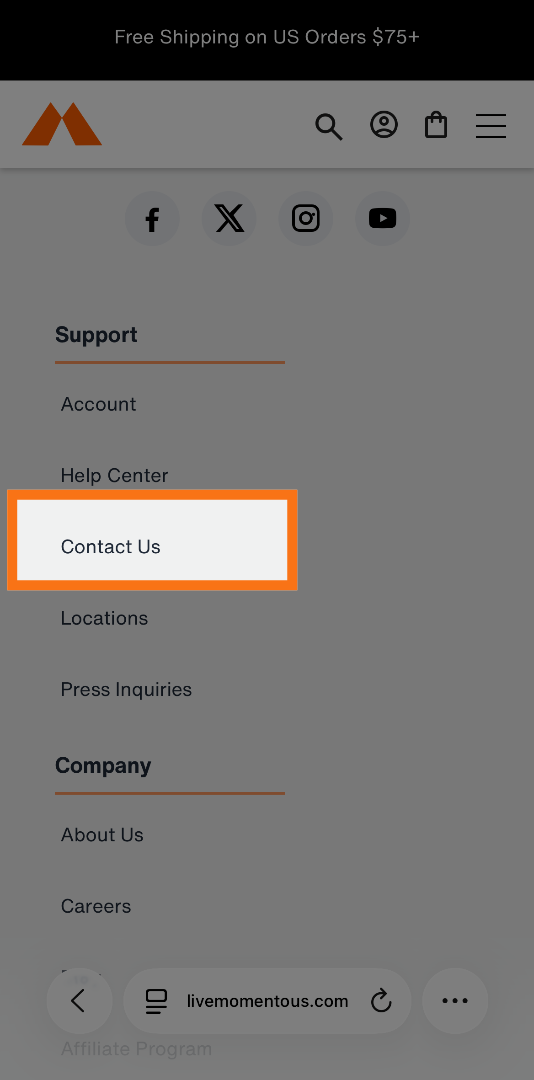
1. Select "Contact us" at the bottom of the website
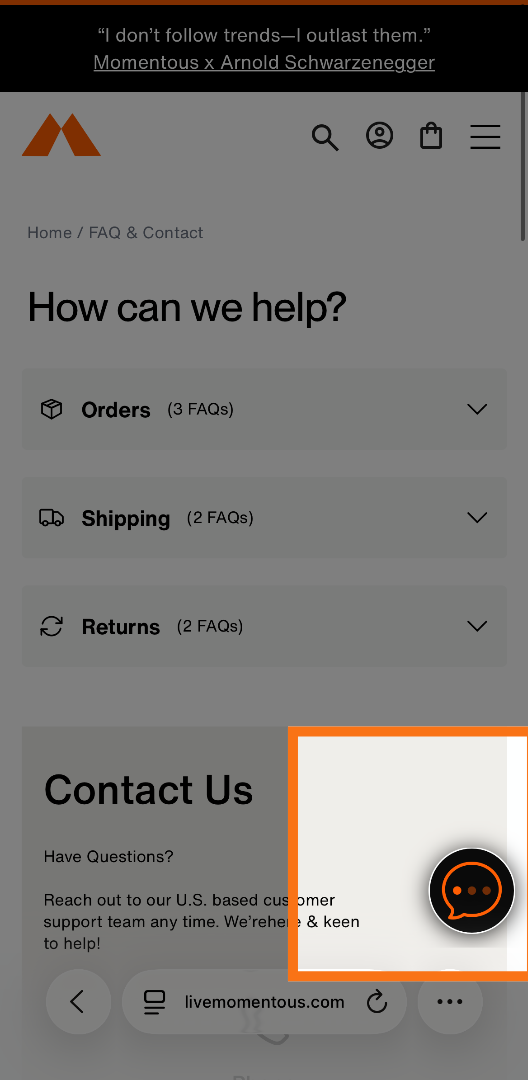
2. Select the Chat Bubble
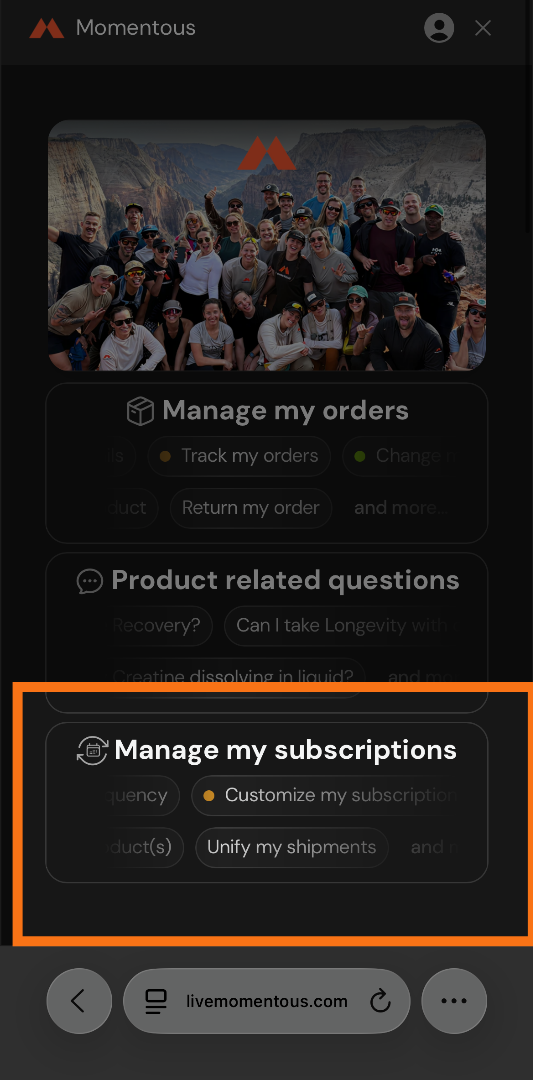
3. Select Manage my subscriptions
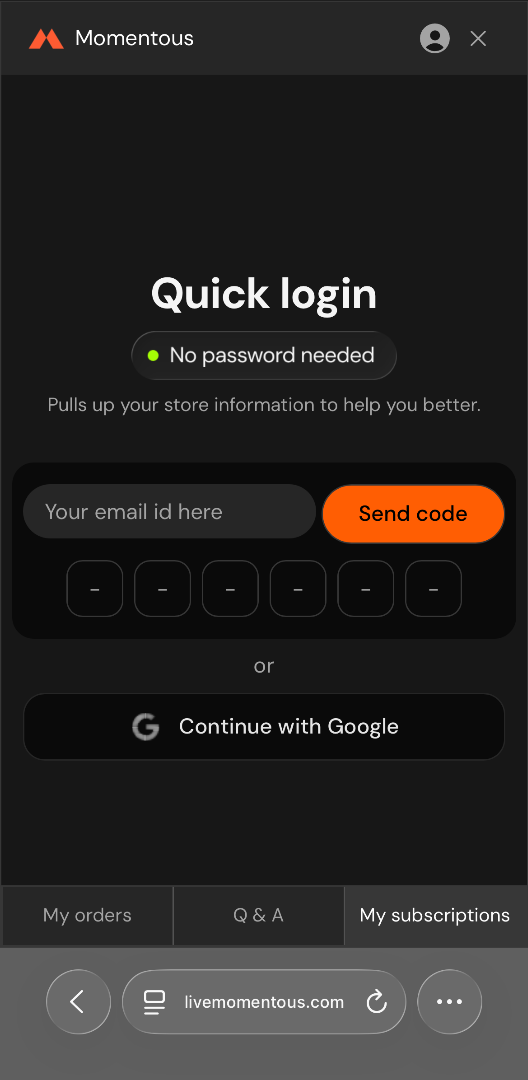
4. Log in if you aren't already
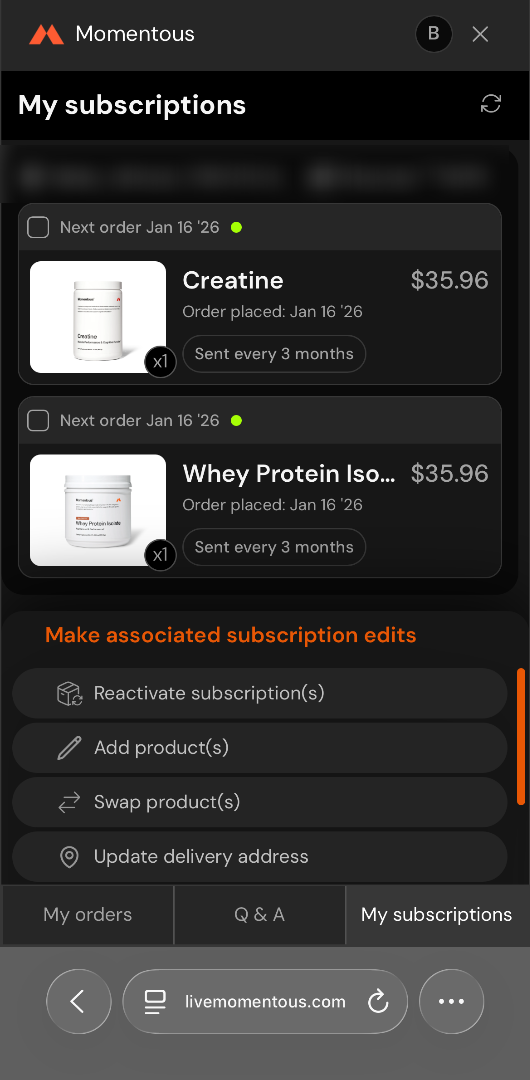
5. Select the products you have on subscription
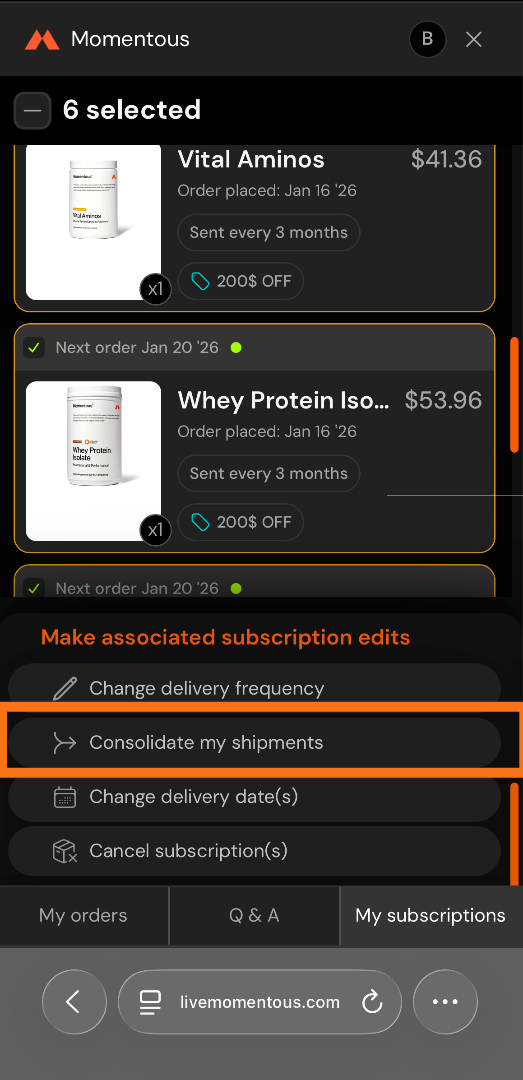
6. Select Consolidate my shipments
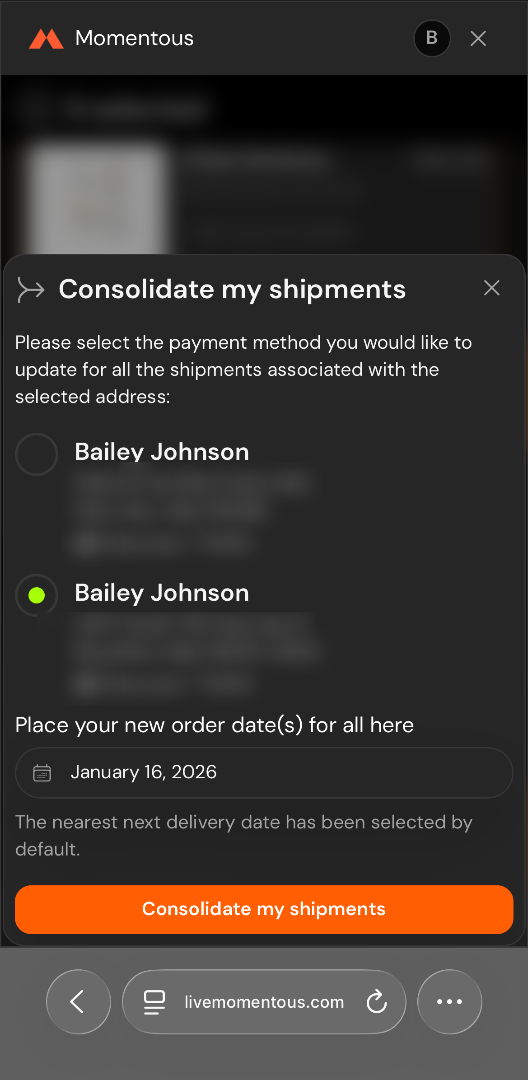
7. Select the address, payment method, and date you want
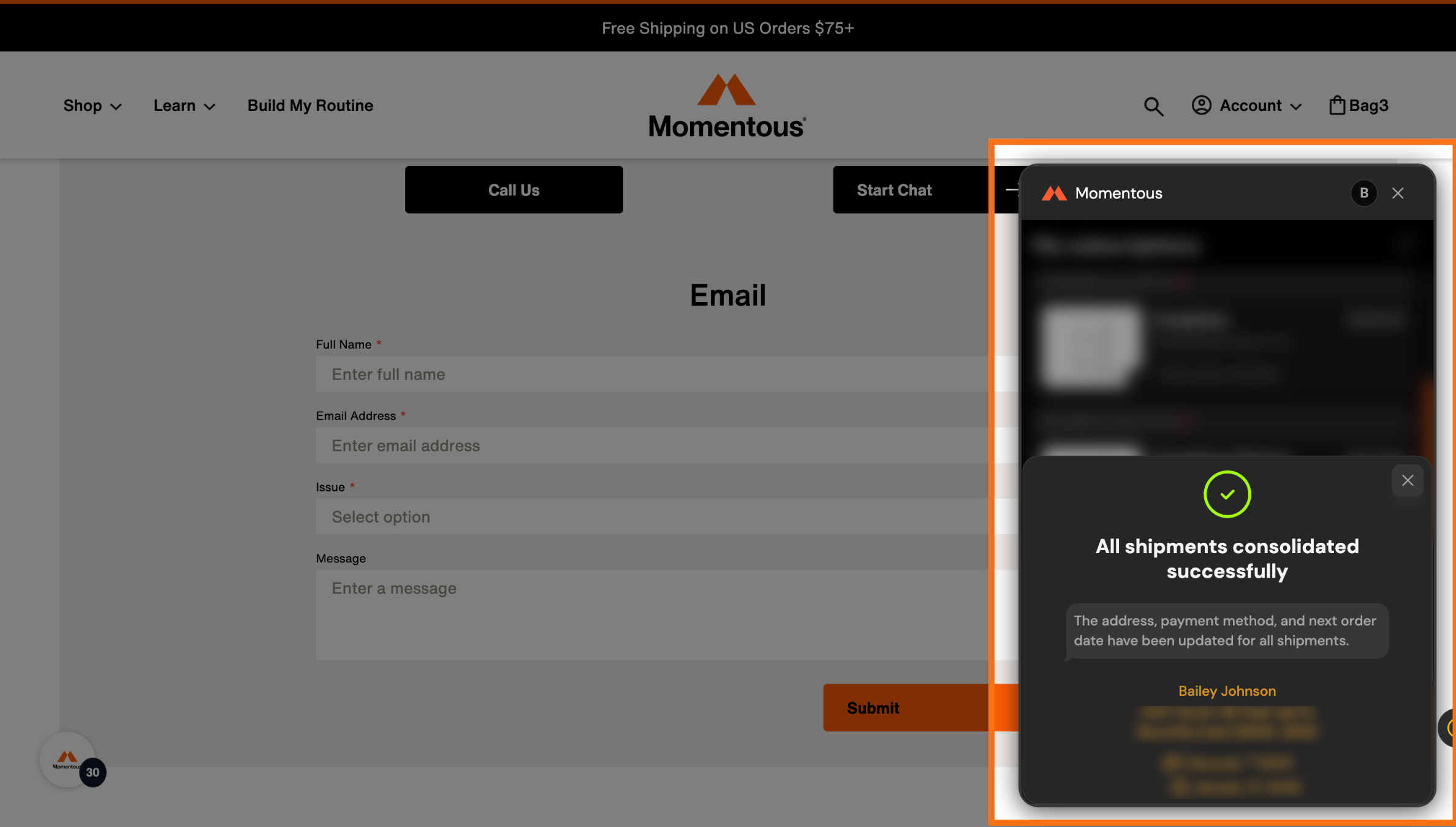
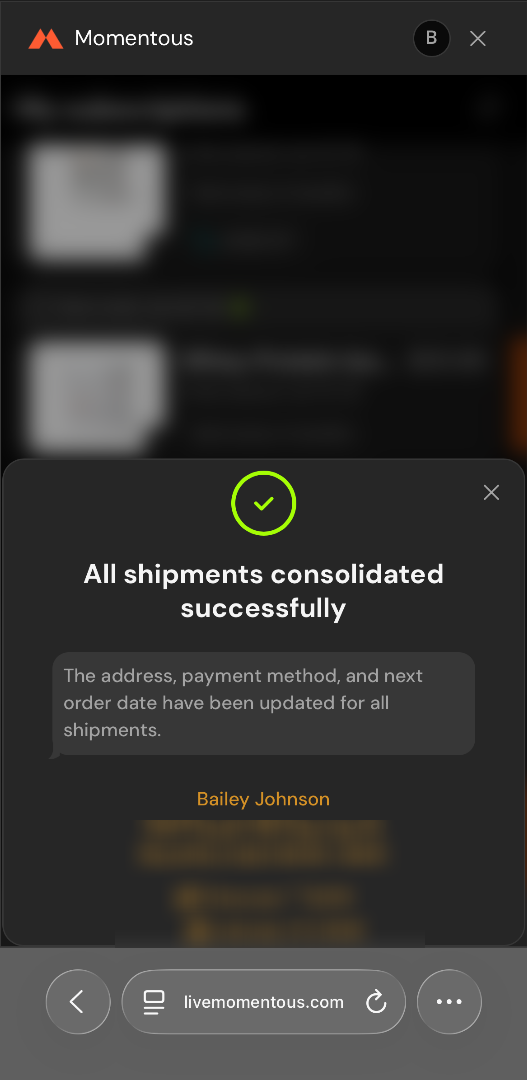
8. This will confirm the changes were made
Desktop
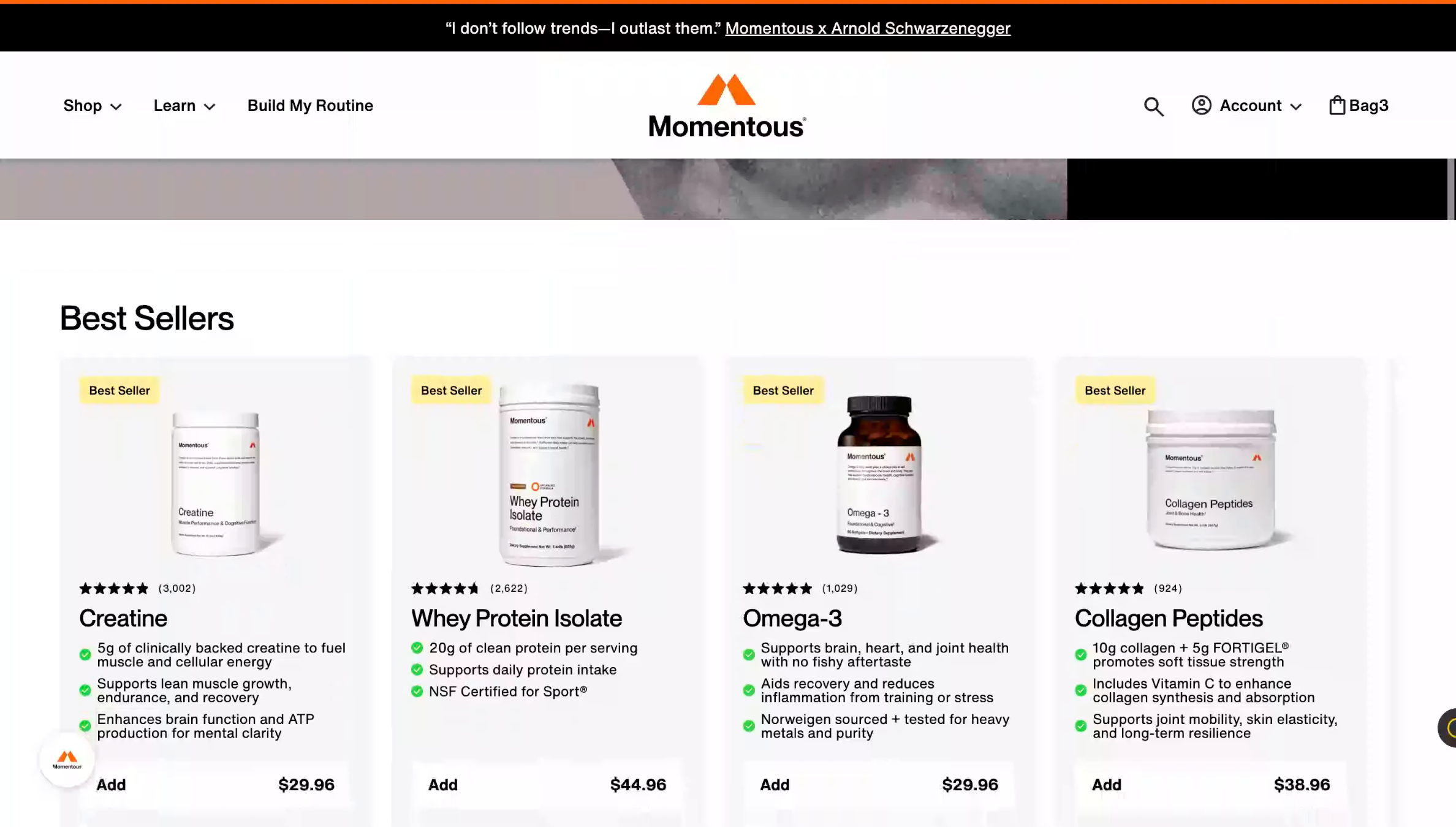
1. Scroll down to the Bottom of our website
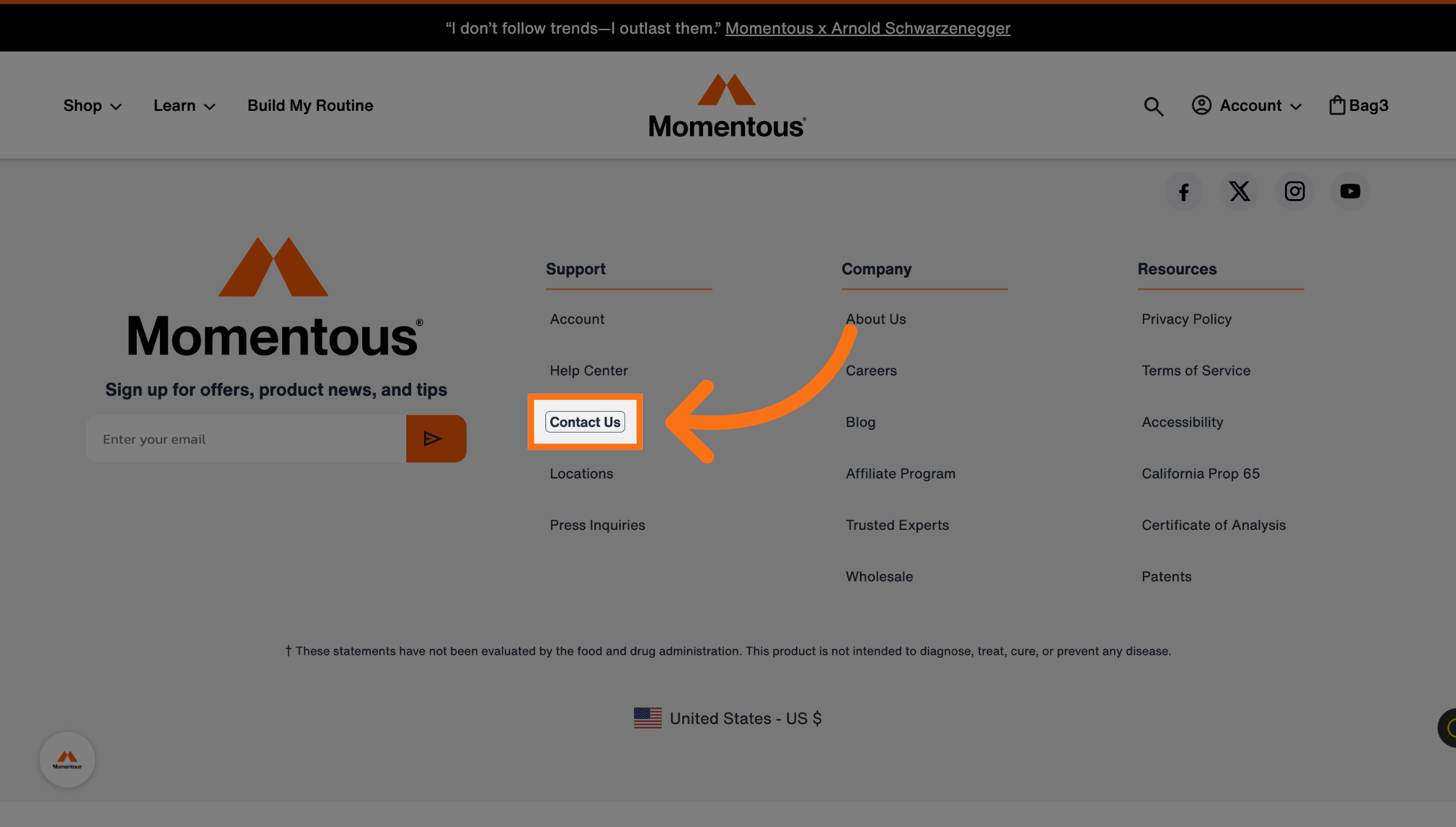
2. Navigate to Contact Us
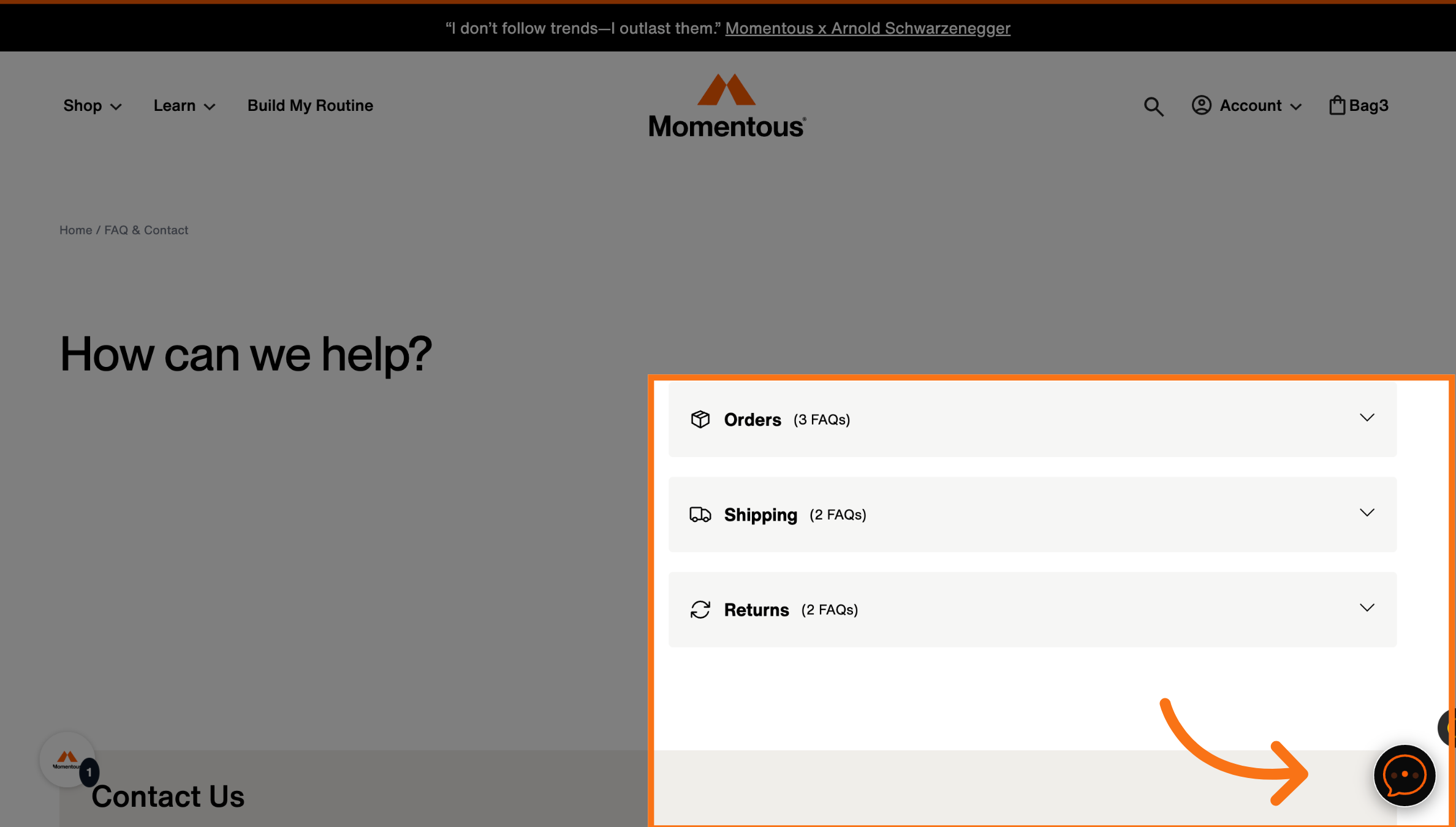
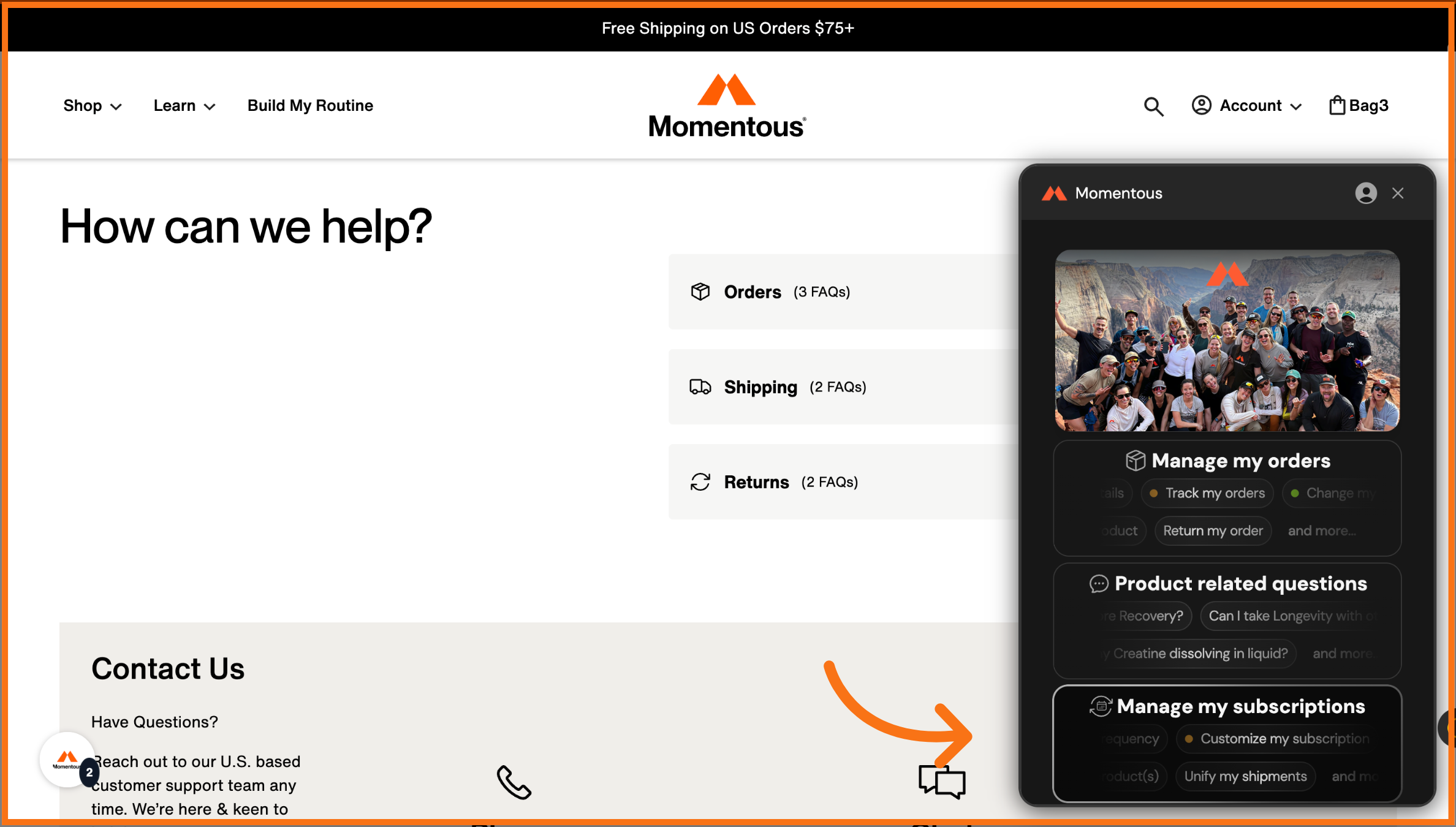
3. Select the Chat bubble in the corner
4. Select Manage Subscriptions
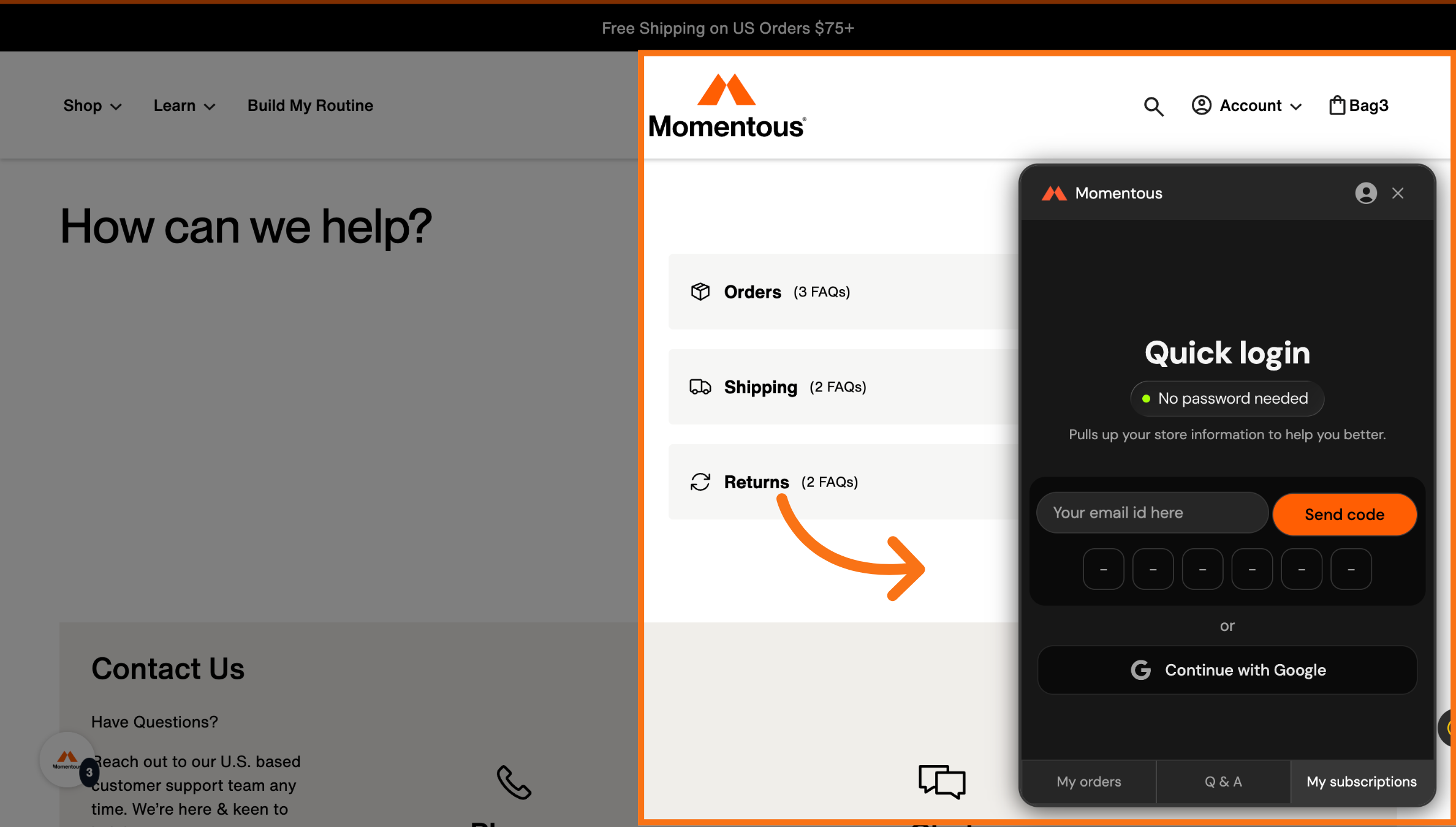
5. Log into your account
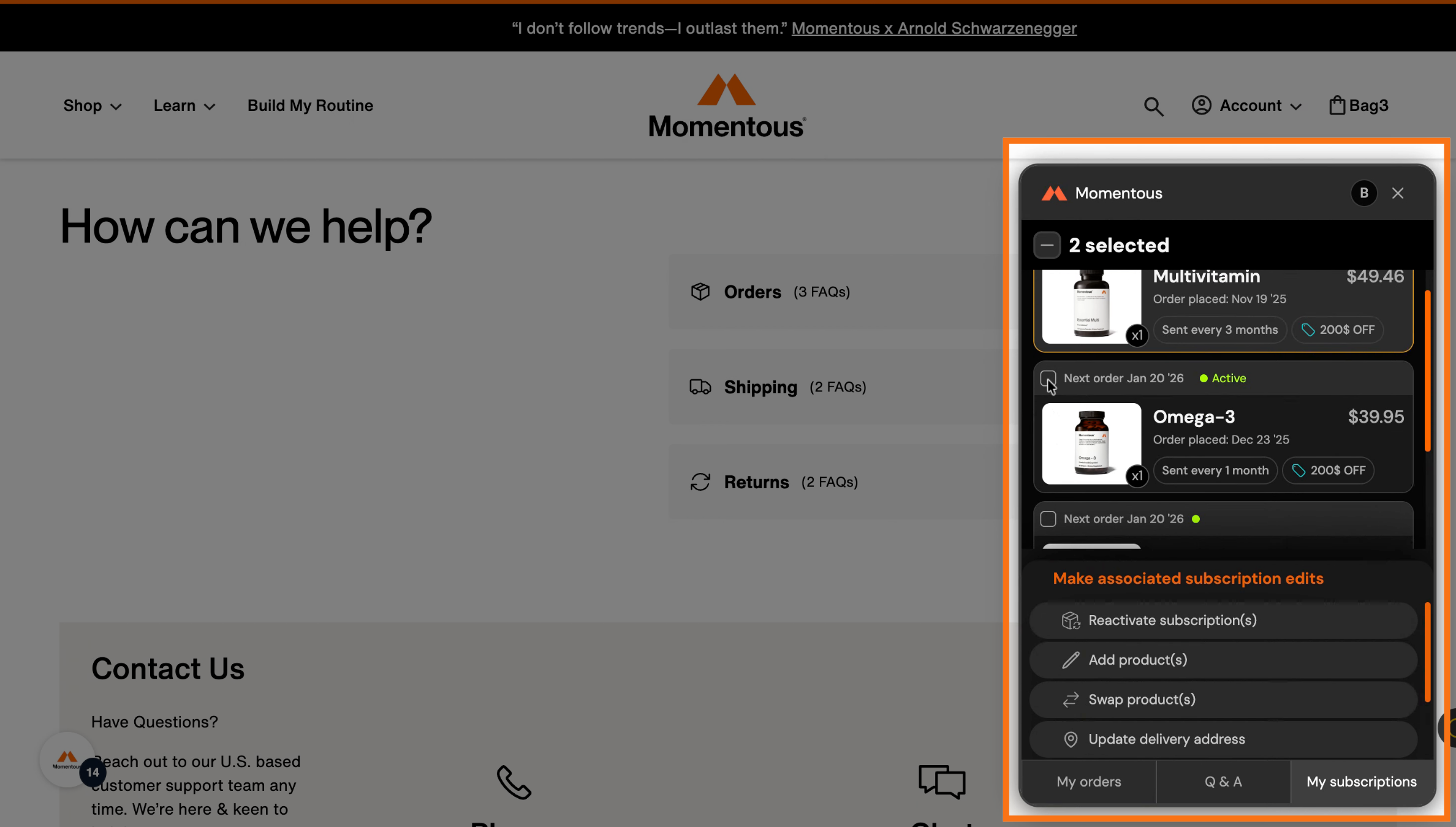
6. Select your active subscription with the green dot
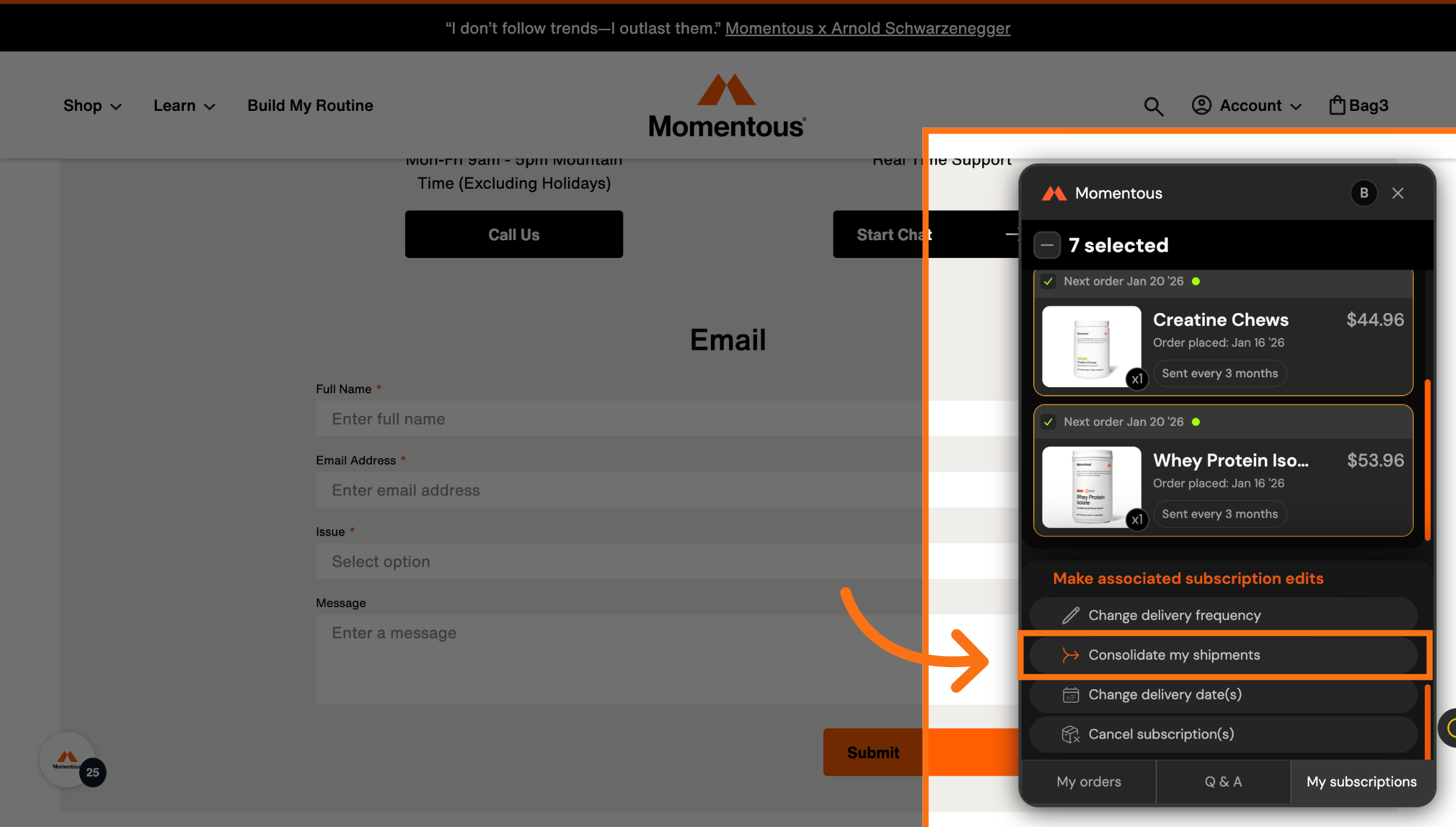
7. Click Consolidate Shipments
8. Select the Address and payment method you want for the subscription
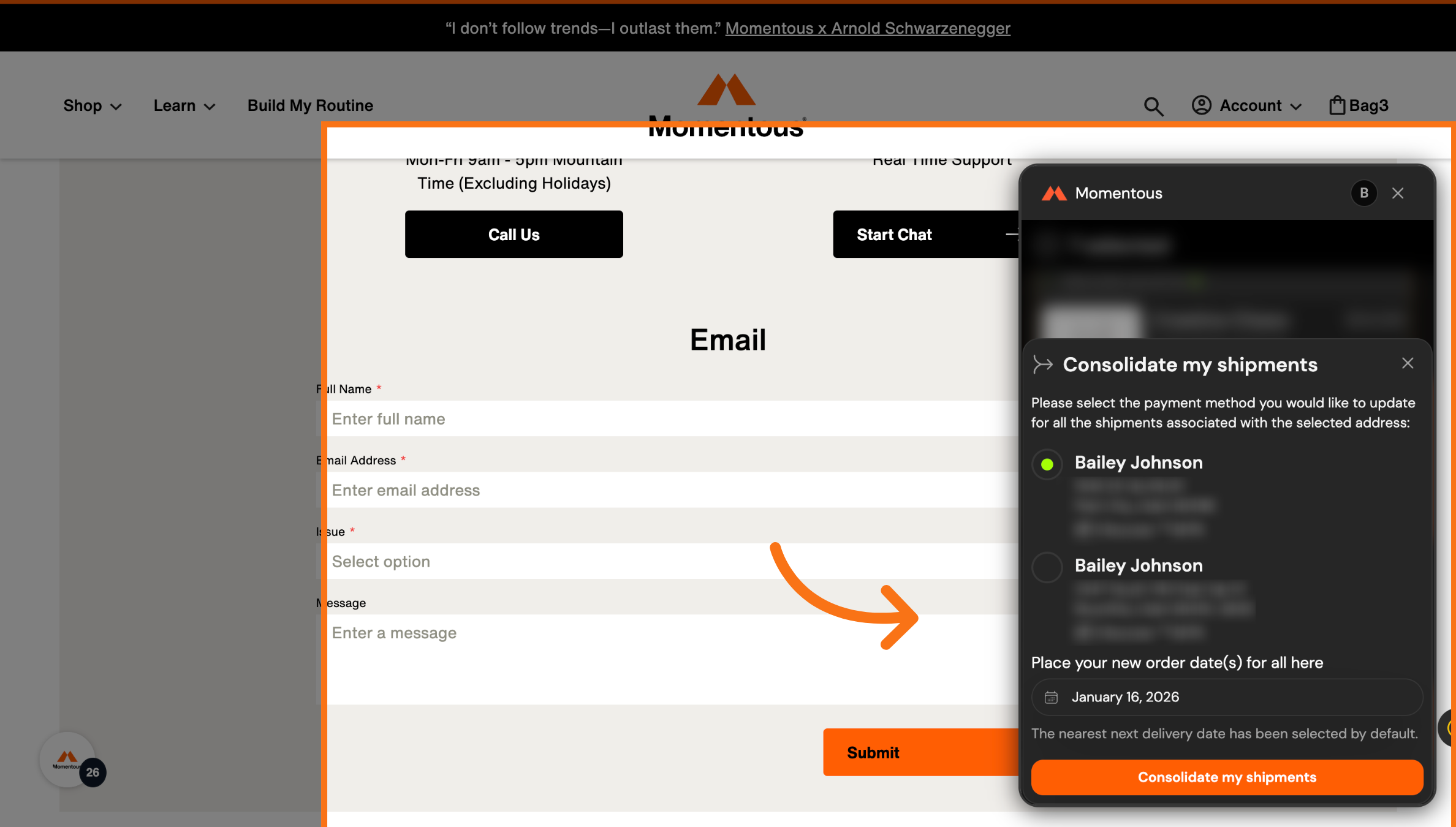
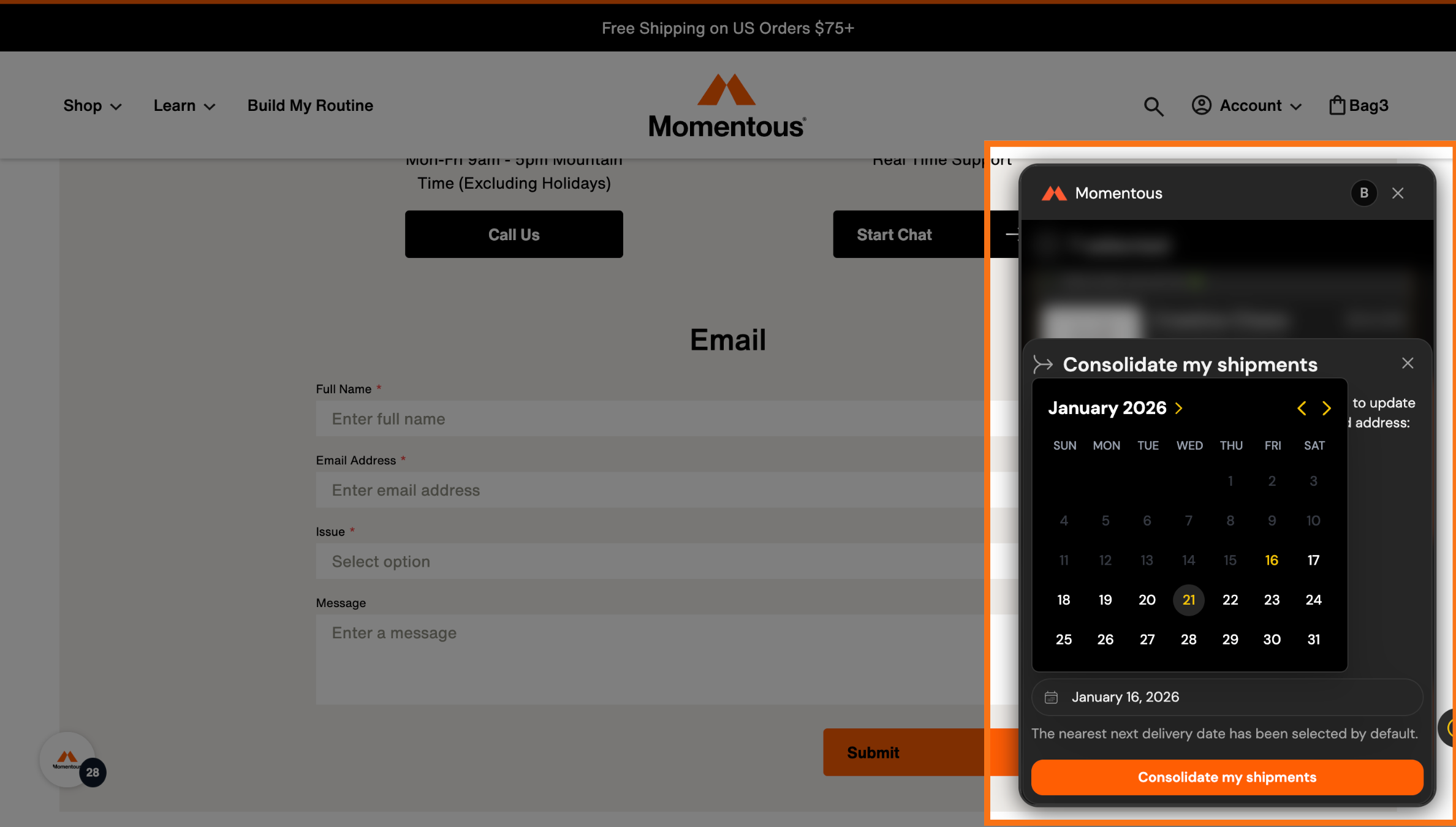
9. Choose the Date for your subscriptions to ship
10. Confirm Consolidation
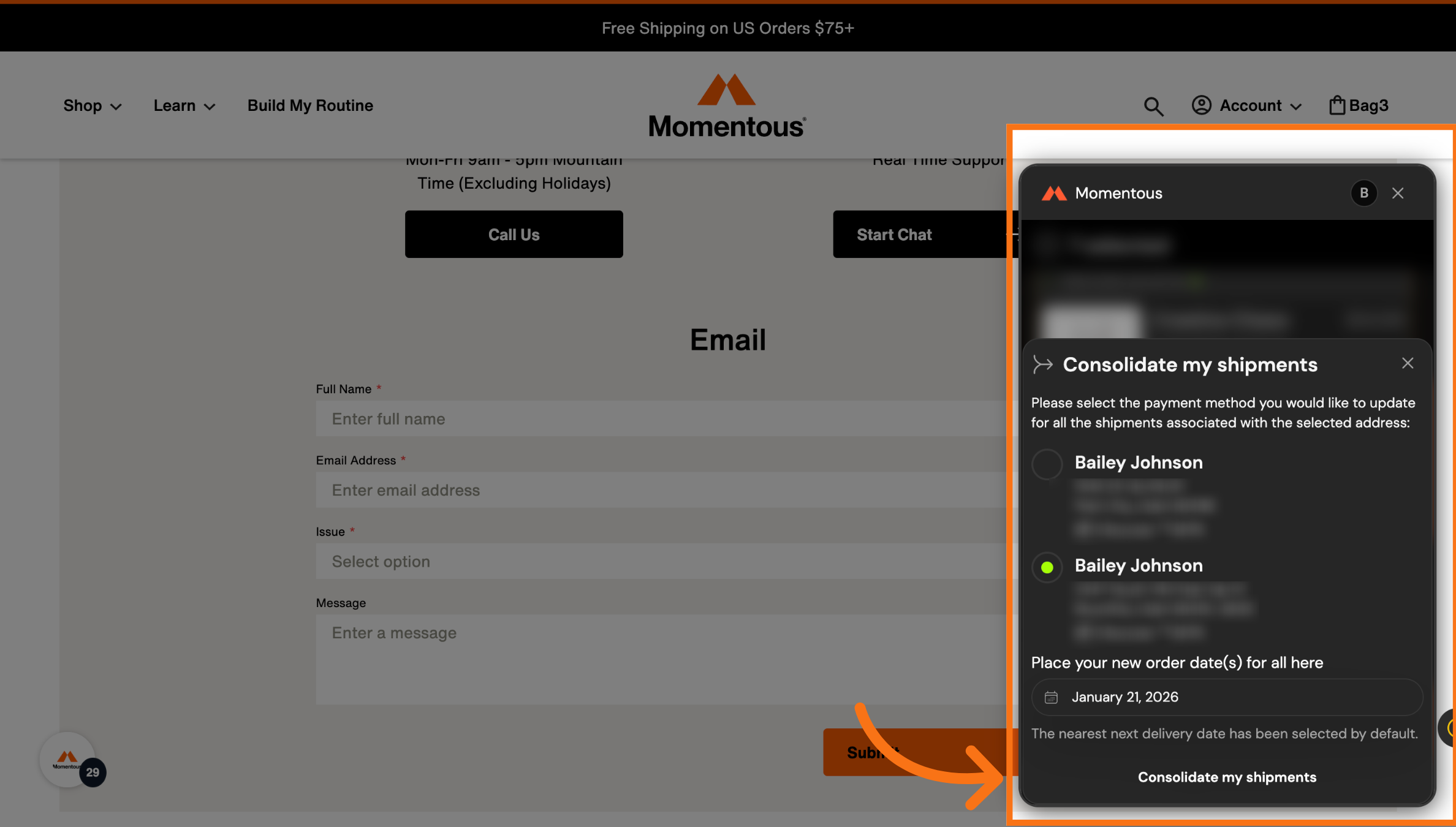
11. You will then see the confirmation here.