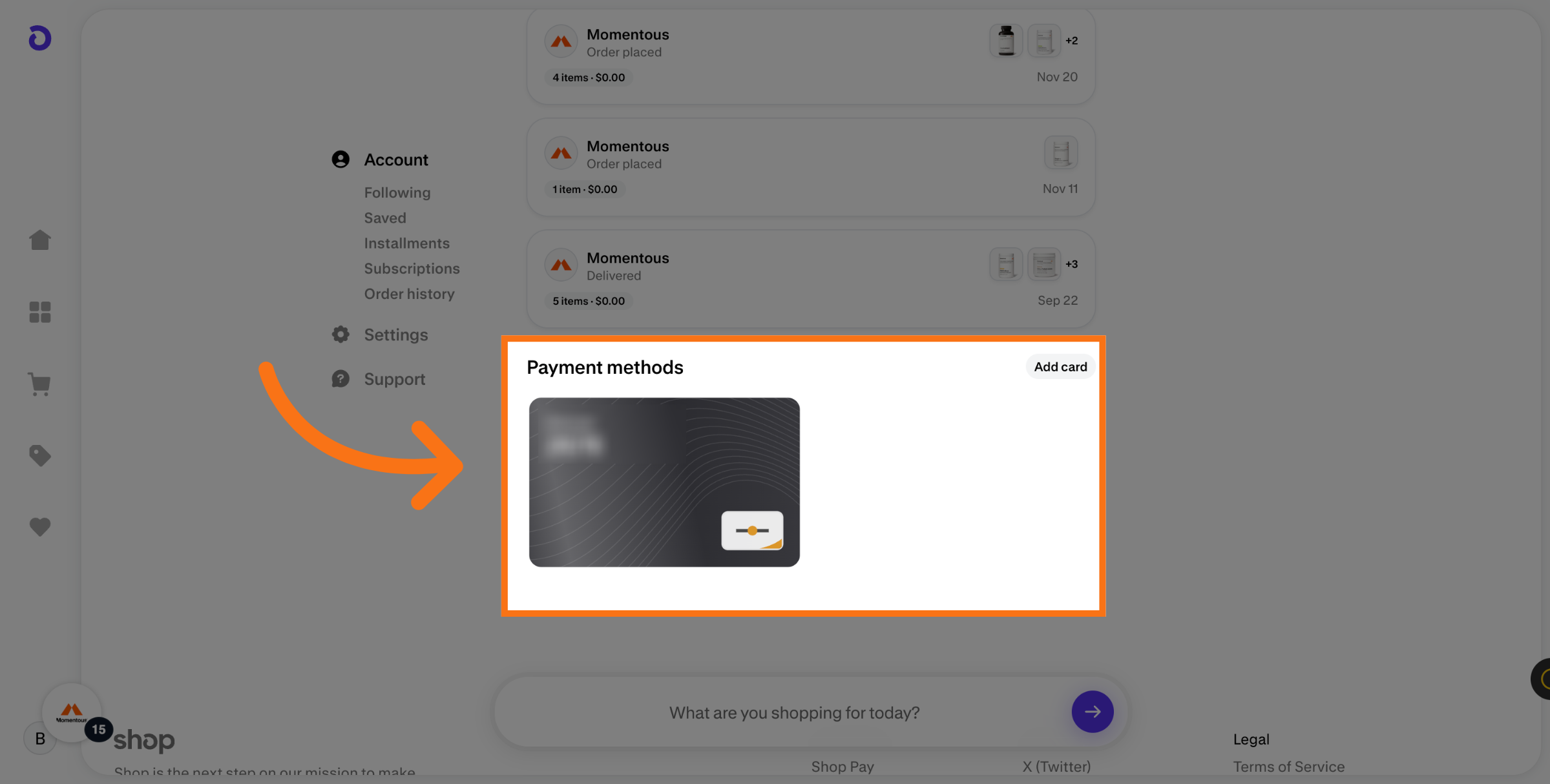
If you use shop pay for your subscription payment method you need update it via Shop Pay. Updating your Shop Pay payment method is quick and painless—just follow the steps that match how you use Shop Pay. You can log into you Shop Pay account here.
Mobile | Desktop
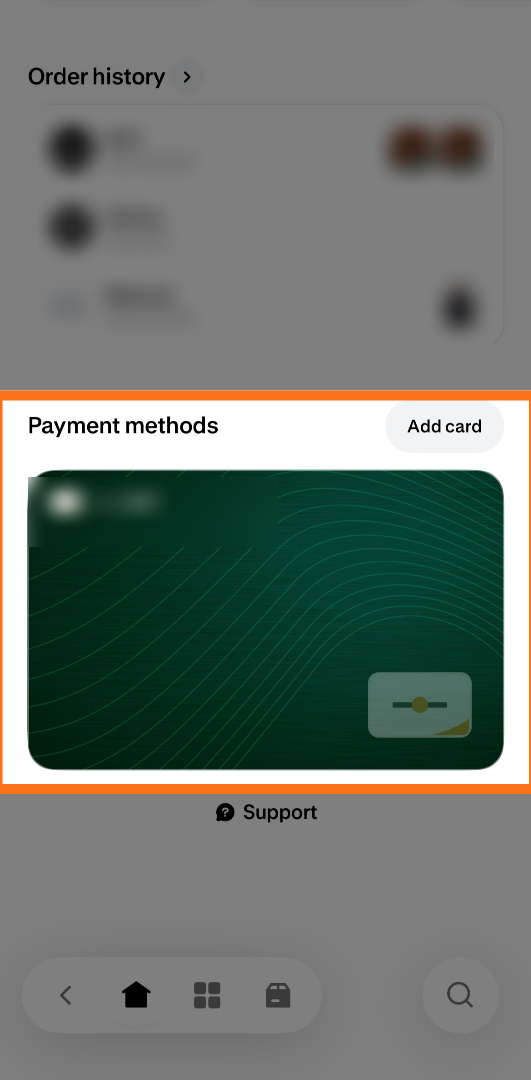
Mobile
1. Shop pay app
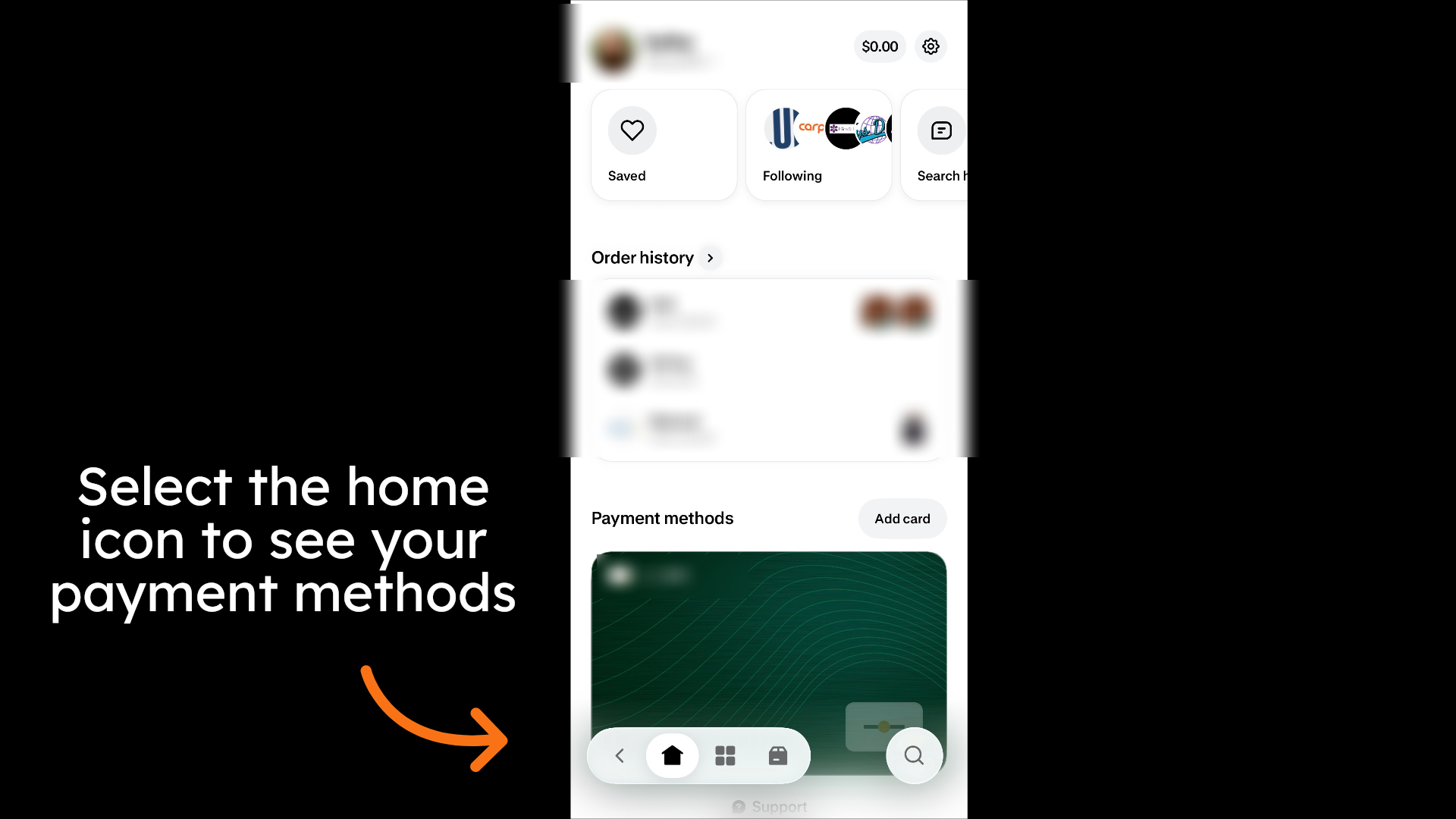
2. Select Add card
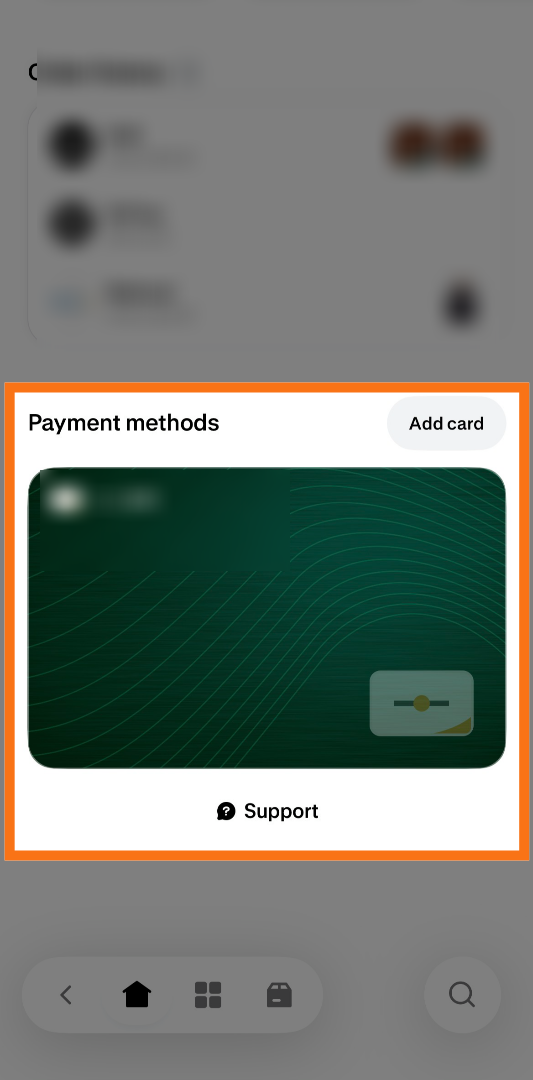
3. Fill out the card information
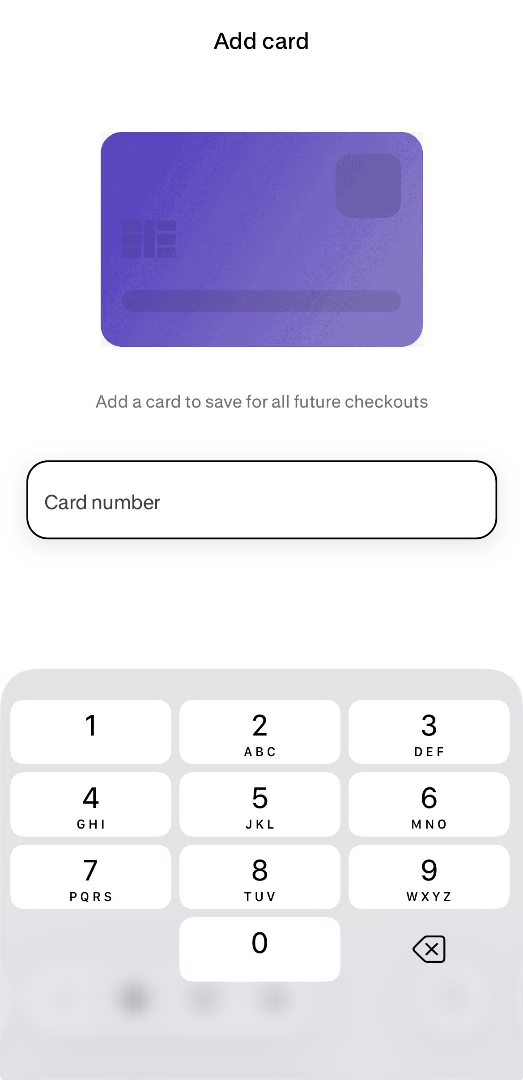
4. Your new payment method will show here
Desktop
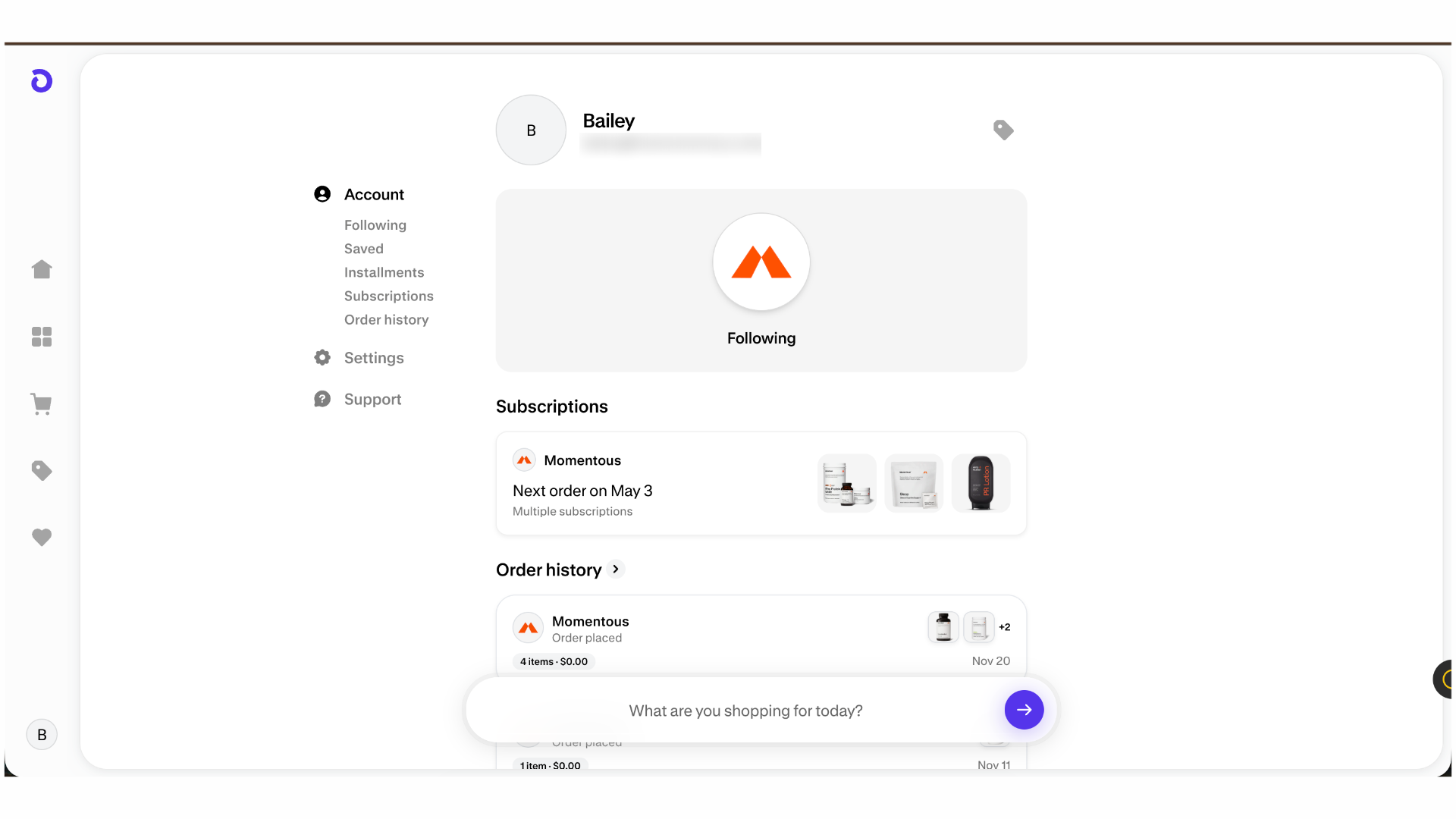
1. Select your Shop pay Account
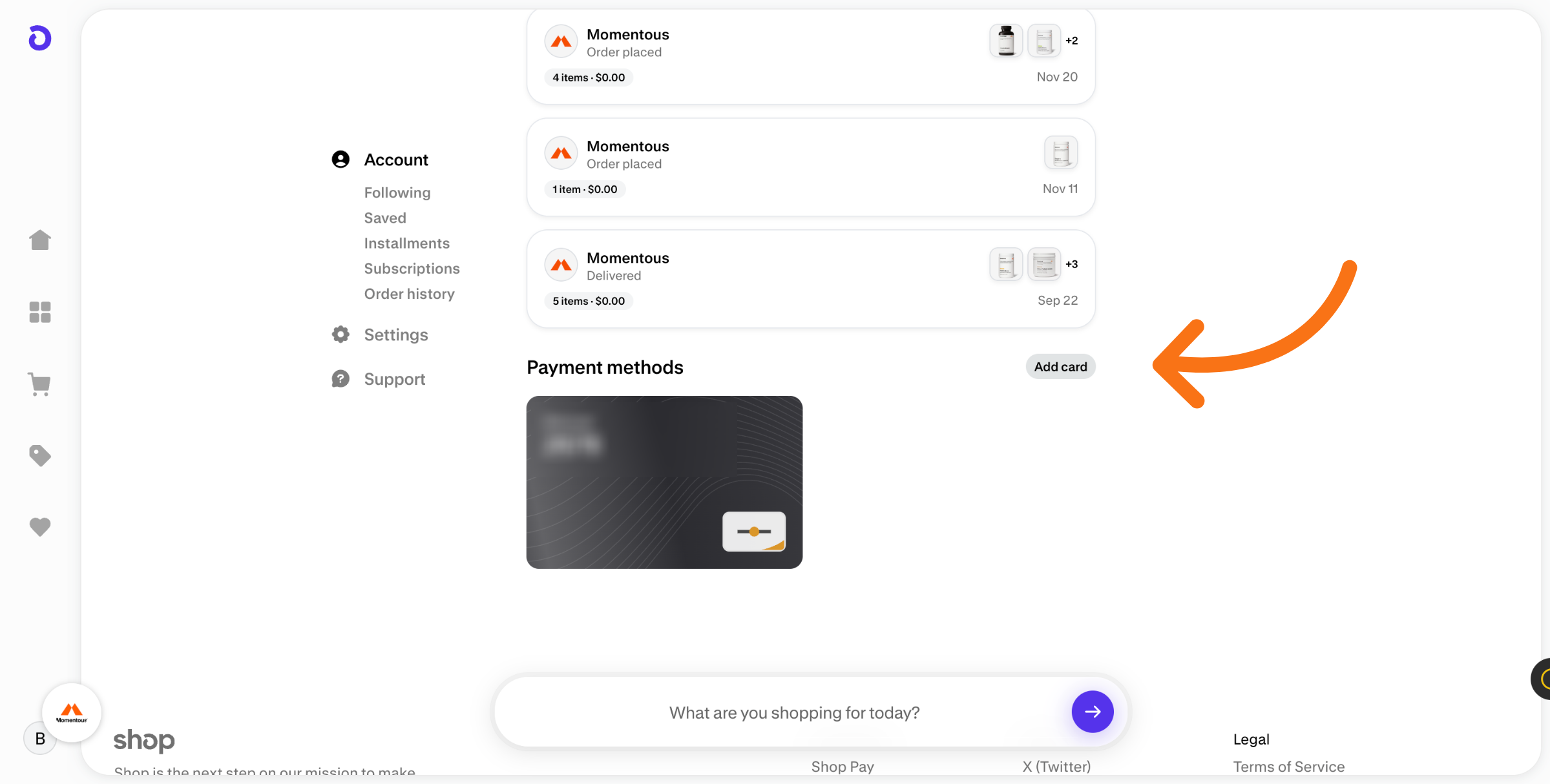
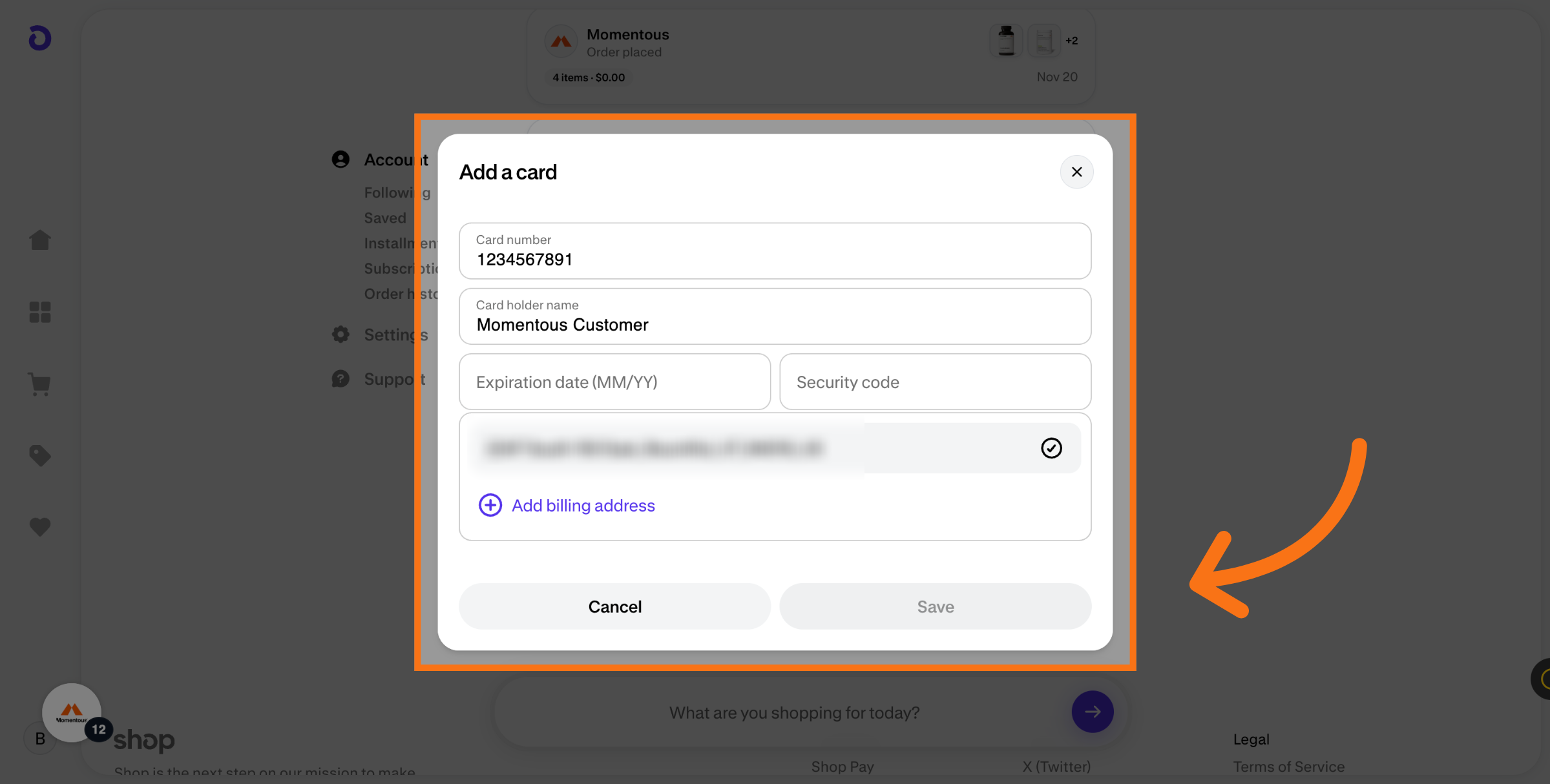
2. Click Add Card
3. Select Credit Card Number Field
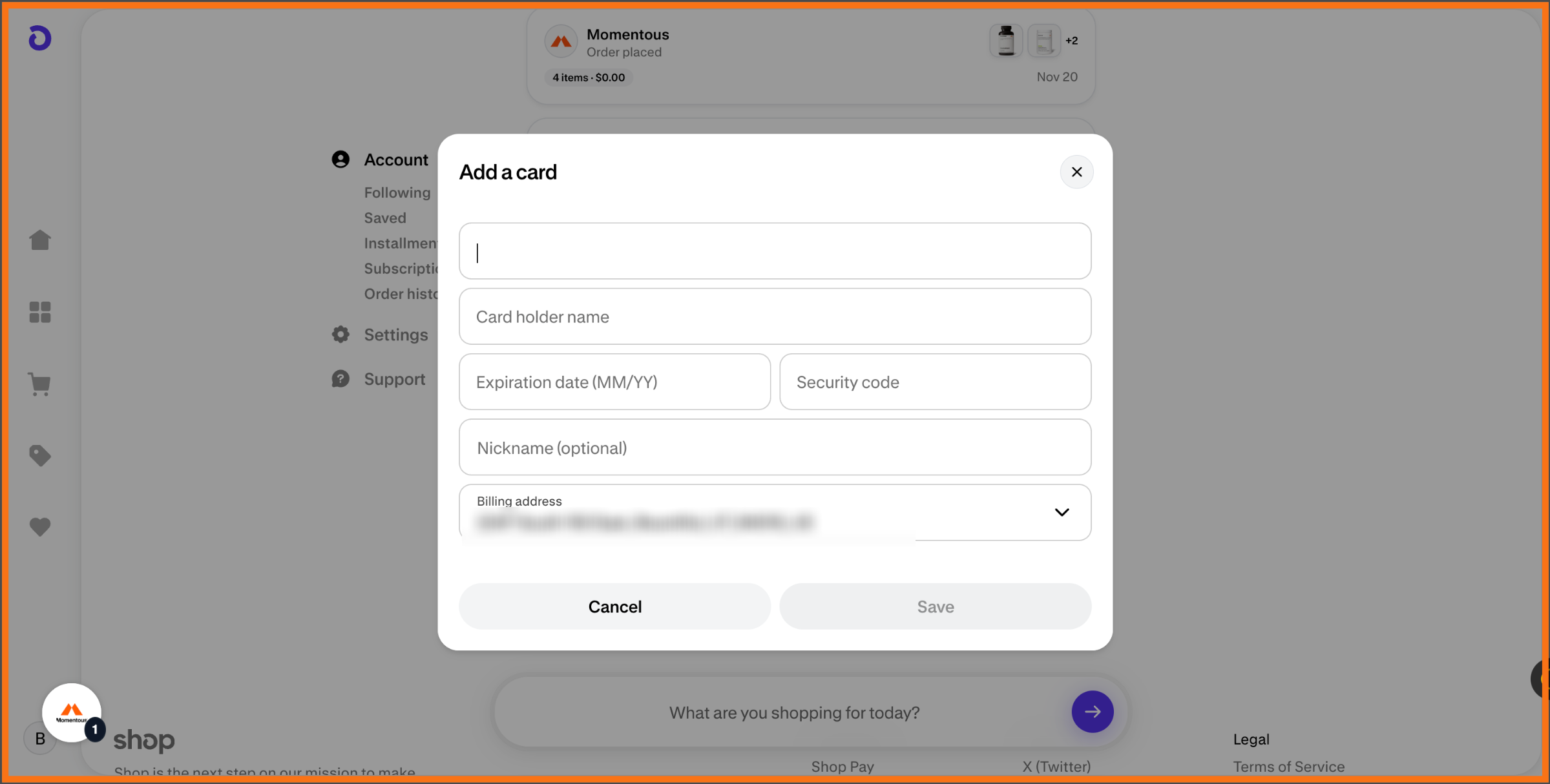
4. Add Billing Address
5. You will see your new card here