If you find yourself regretting not adding that other product to your order, we've got you. You have 60 minutes from the time that you place an order to make changes to it. You can follow the directions below, or click here to get started!
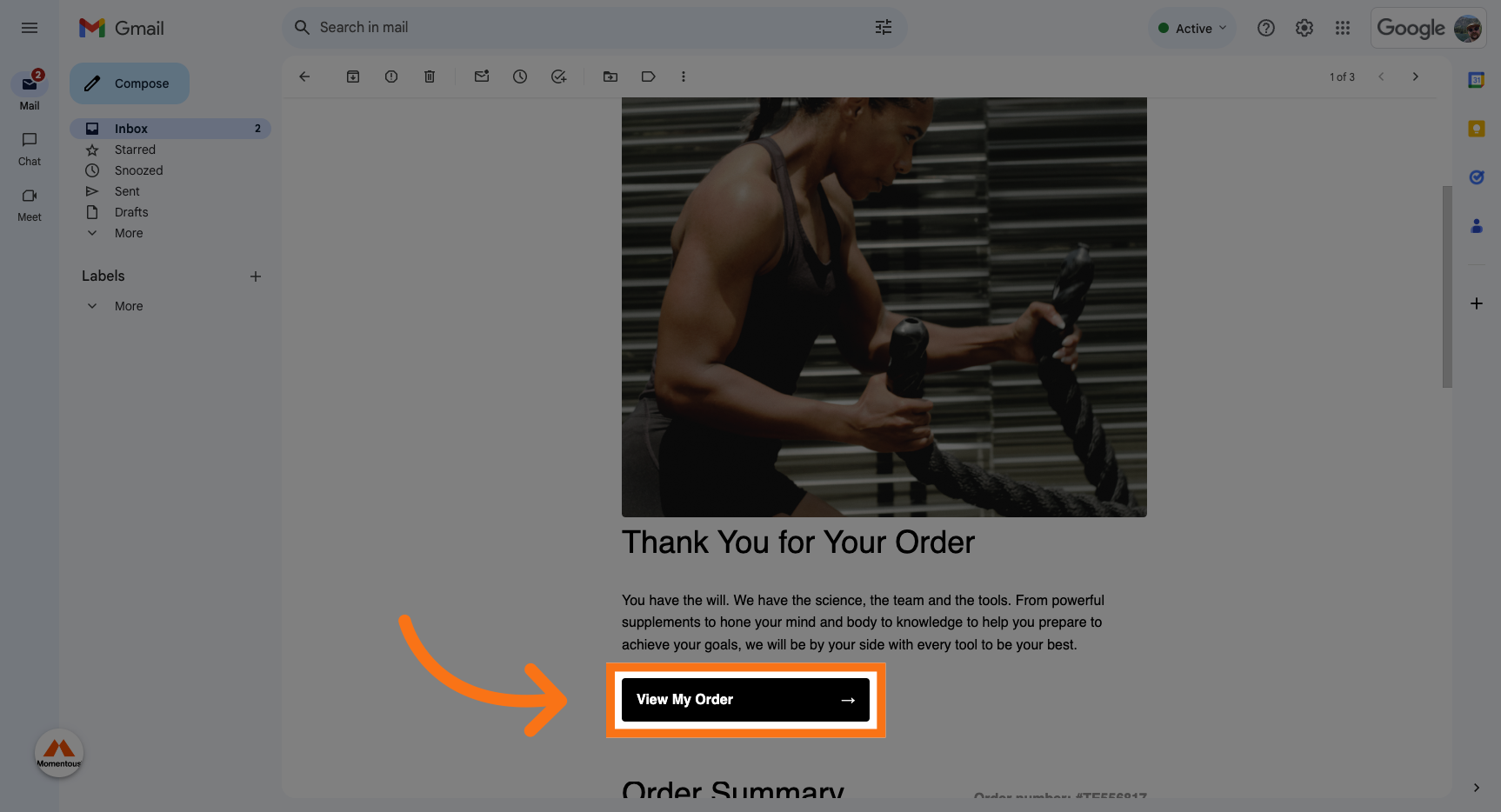
1. Click "View My Order" on your order confirmation email.
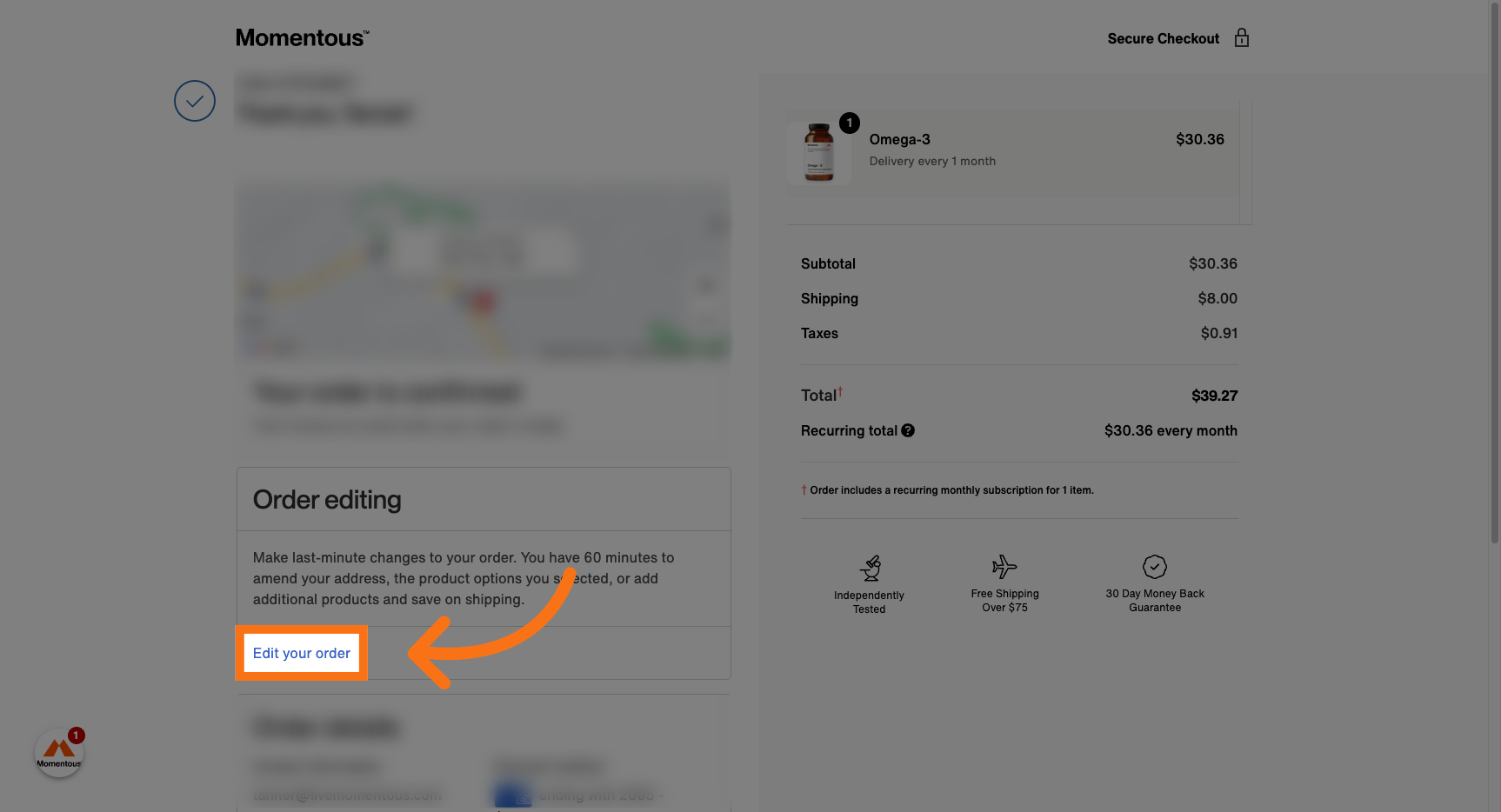
2. Click "Edit your order"
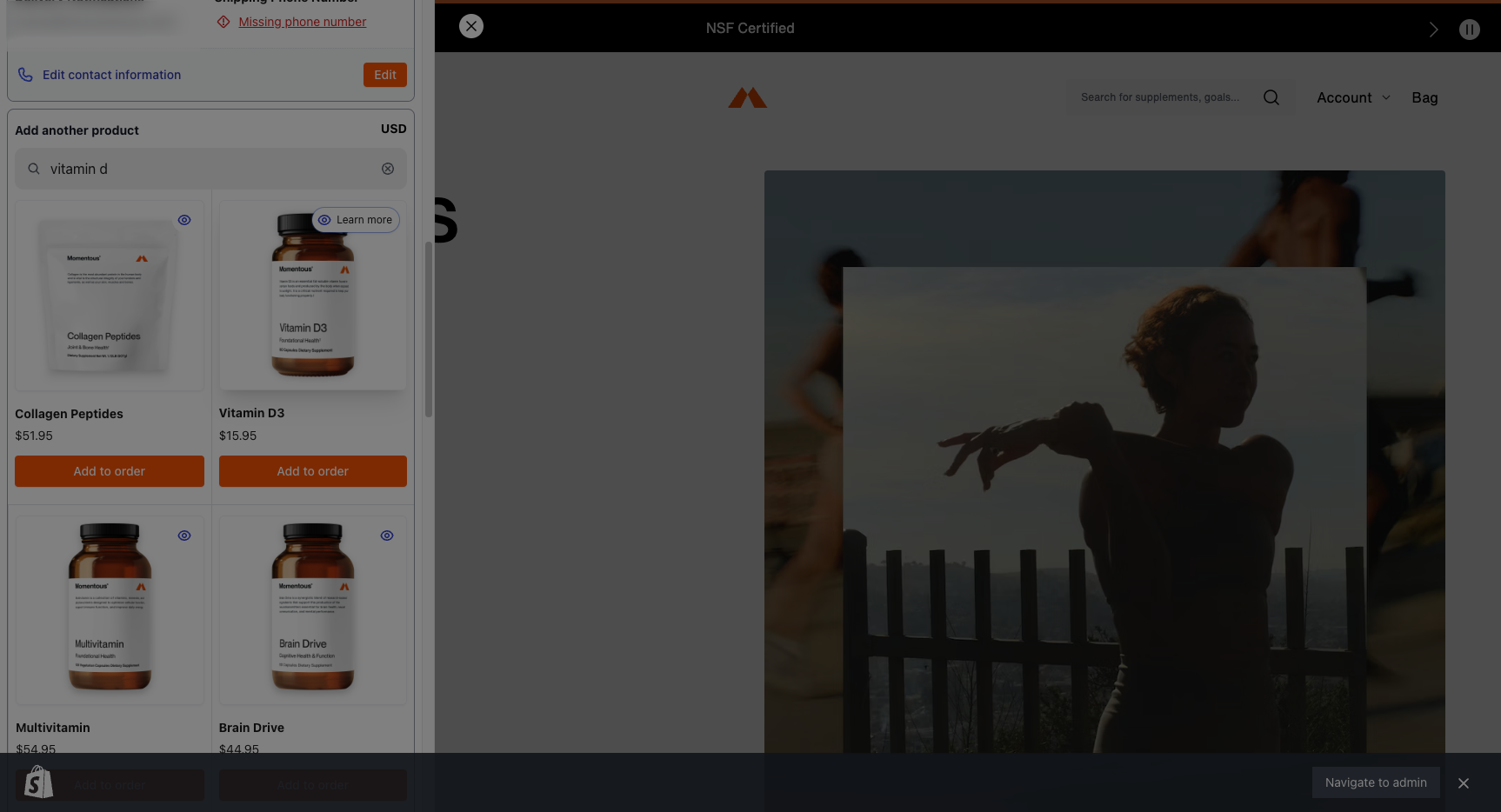
3. Find and add the product that you'd like to add to your order.
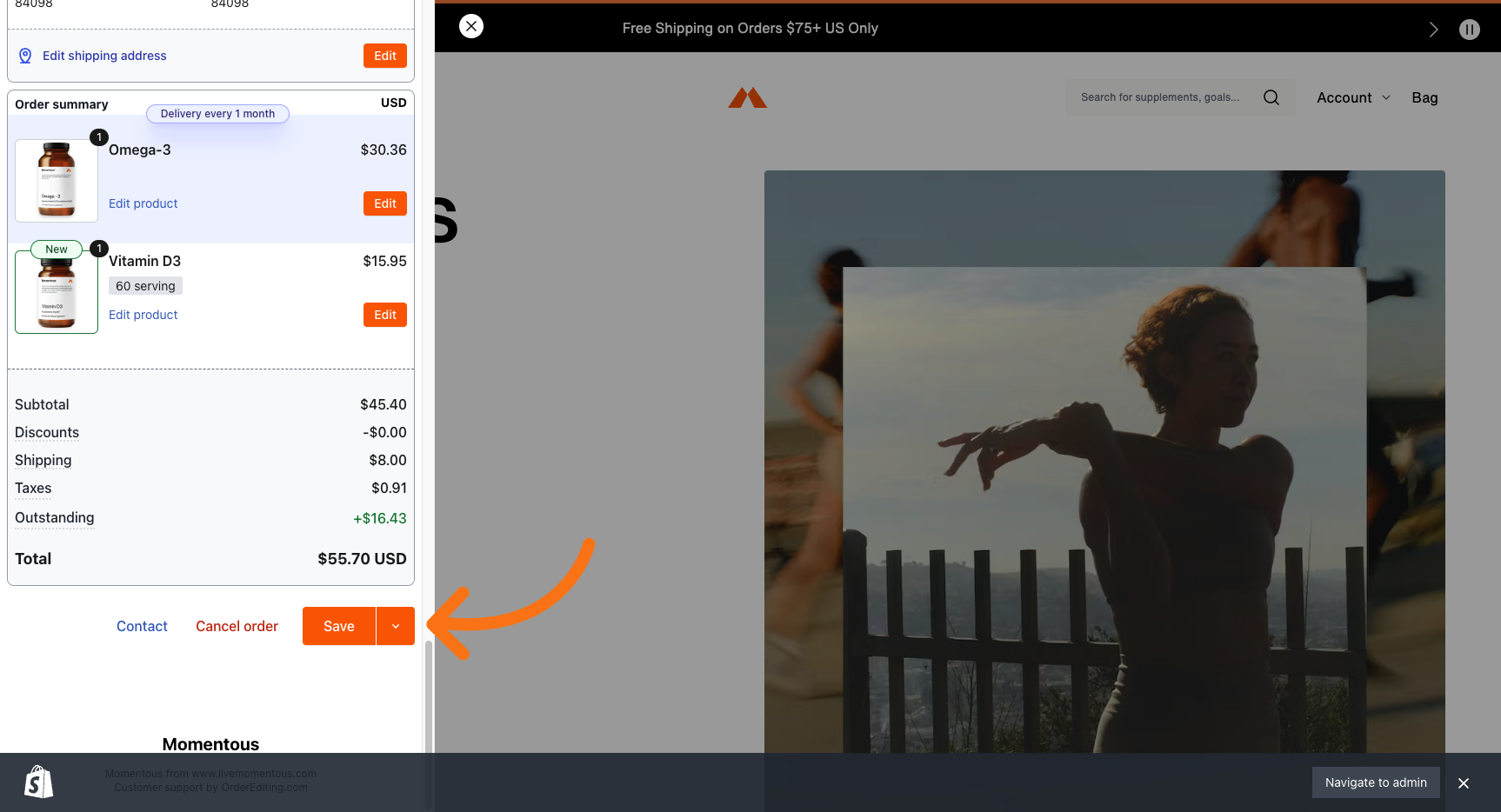
4. Click "Save"
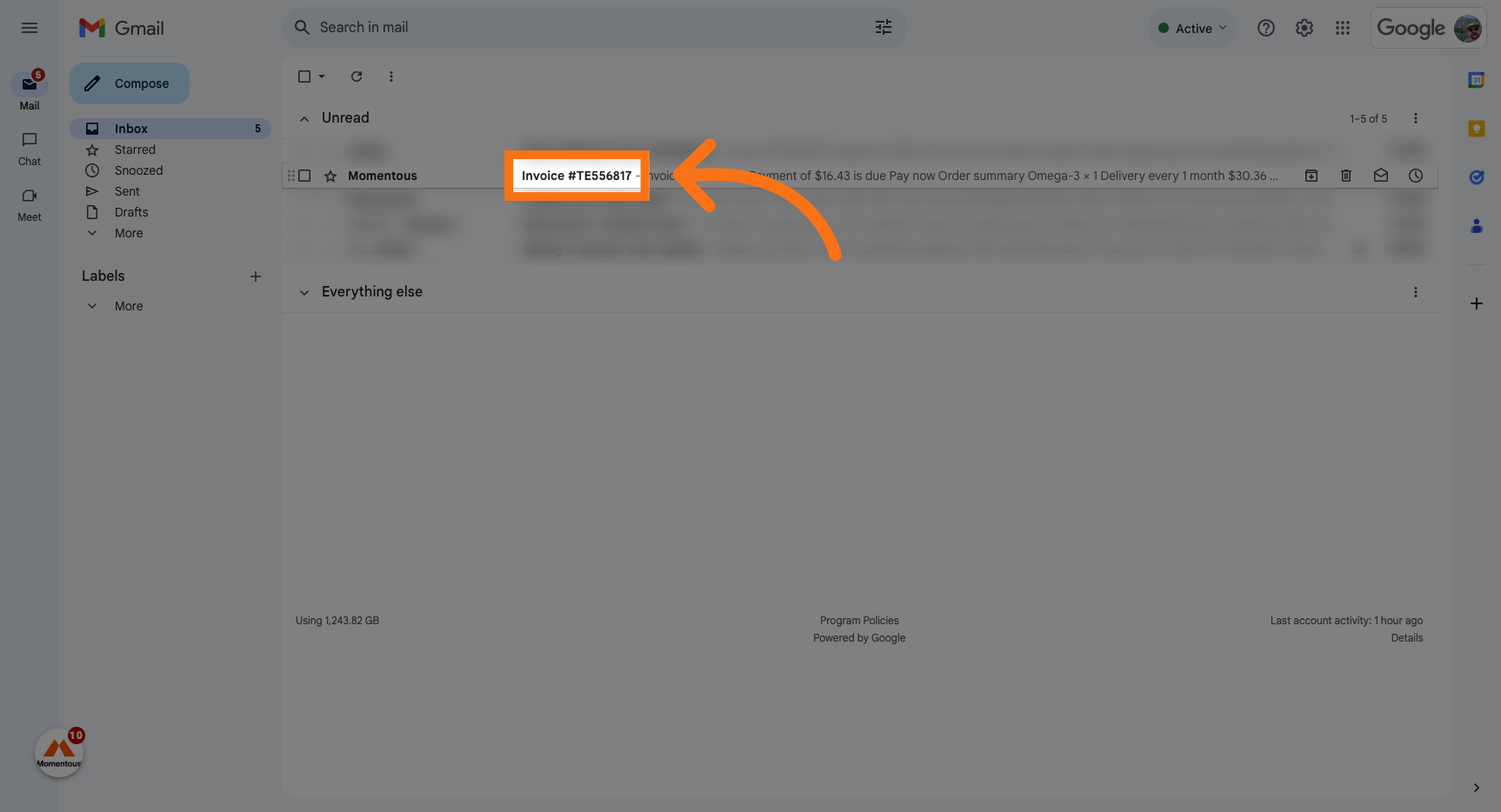
5. Navigate back to your email, and select your new invoice.
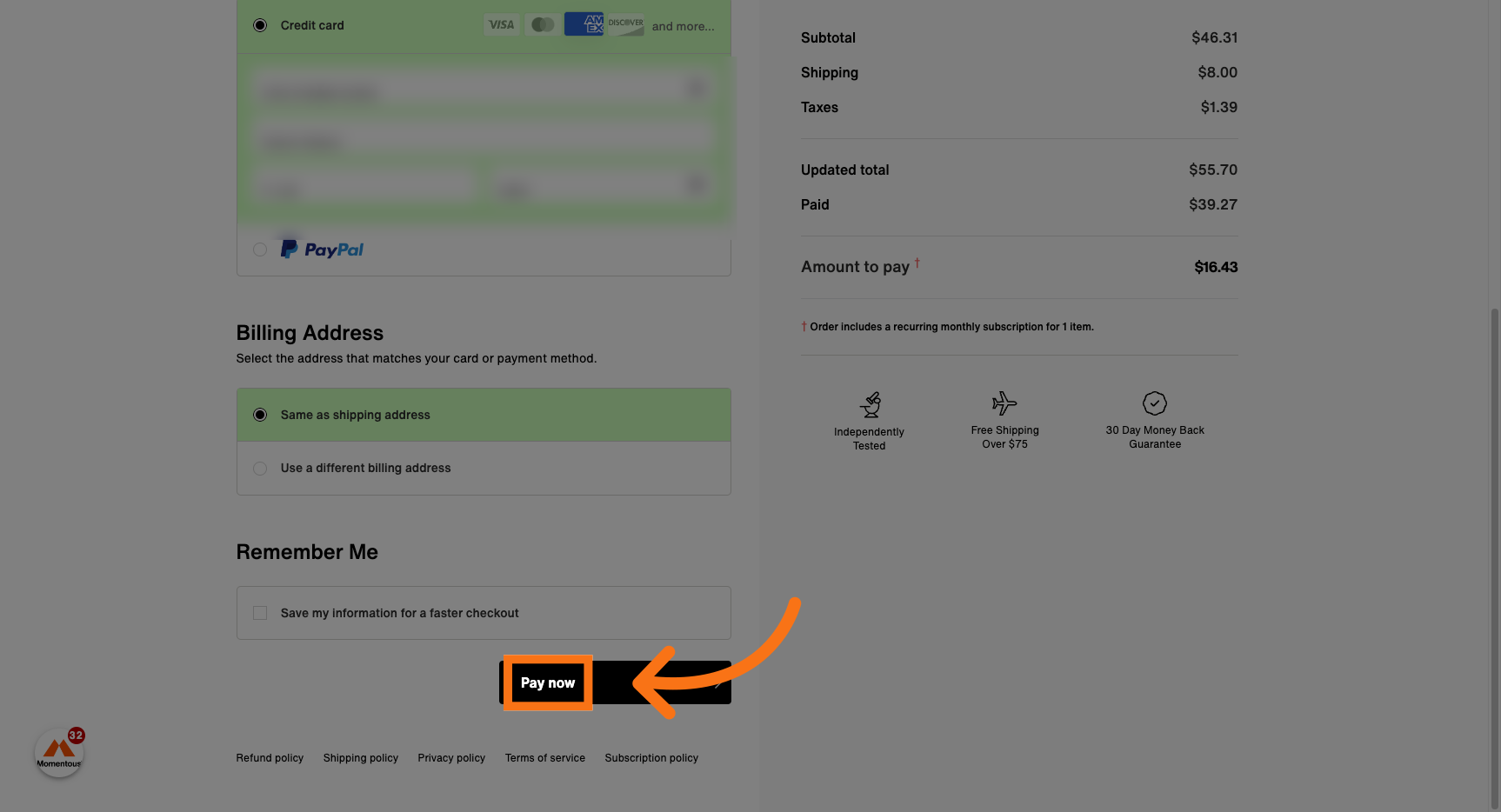
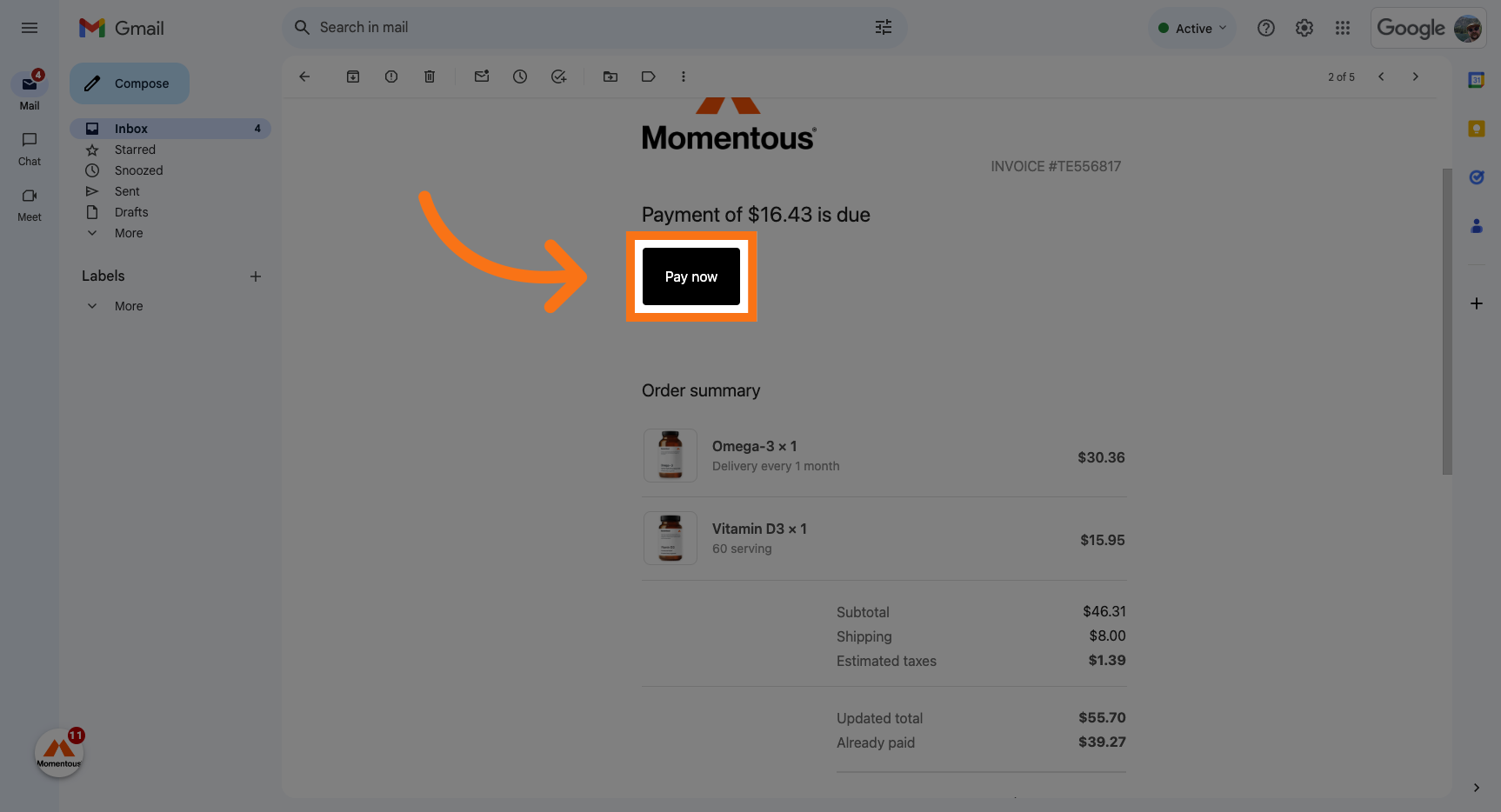
6. Click "Pay now"
7. Enter your payment information if needed.
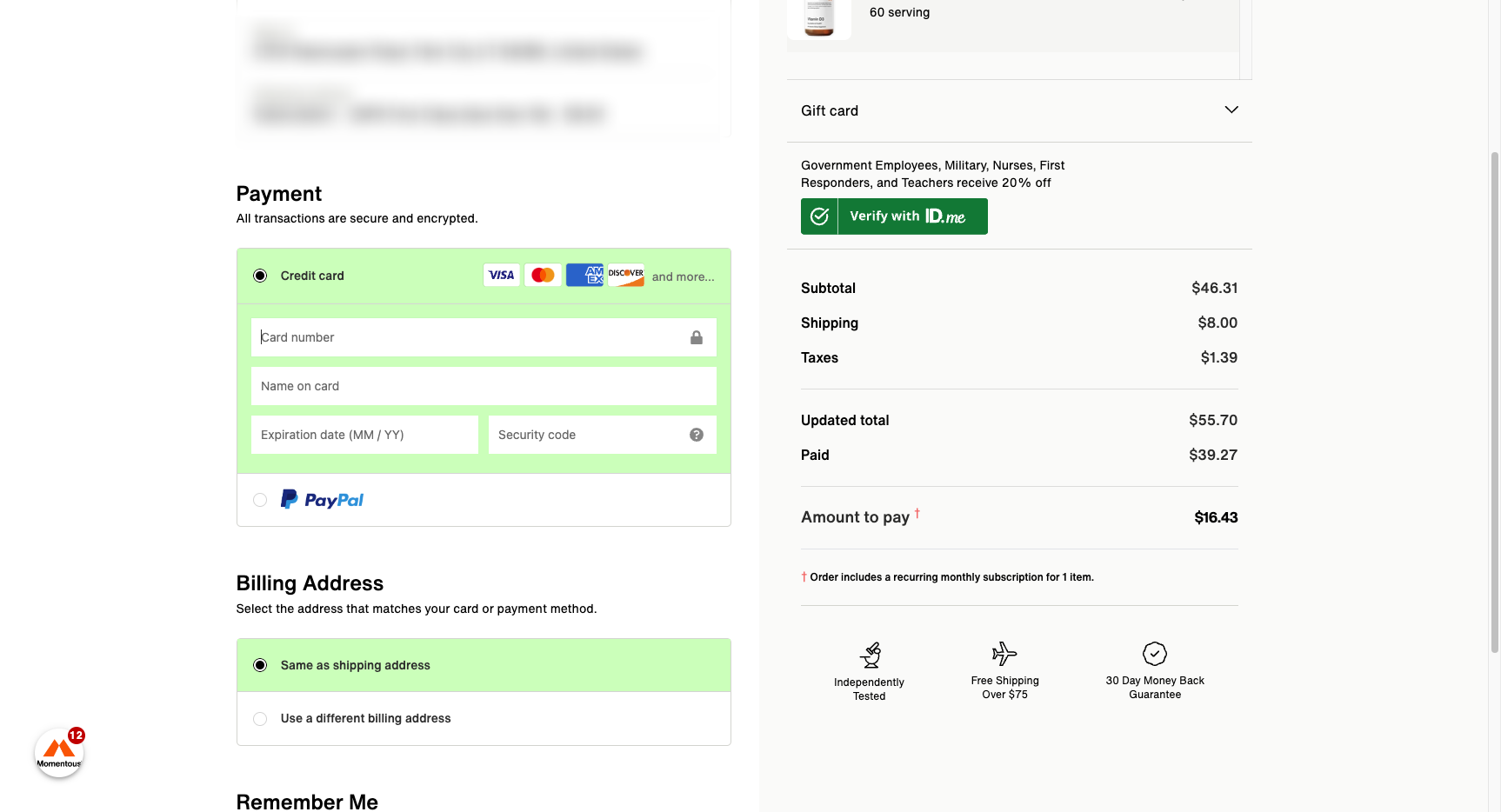
8. Click "Pay now"